
Loading…
A workout plan is built from sessions — each one maps to a training day or workout type — with exercises inside.
The plan opens in read mode: a summary of the plan, a strip of session tabs across the top, and the selected session's exercises below. Editing is always an explicit action, so you can open a plan just to look at it.
The Workout Plans tab is part of the Training area, and it is there only if your account may see plans.
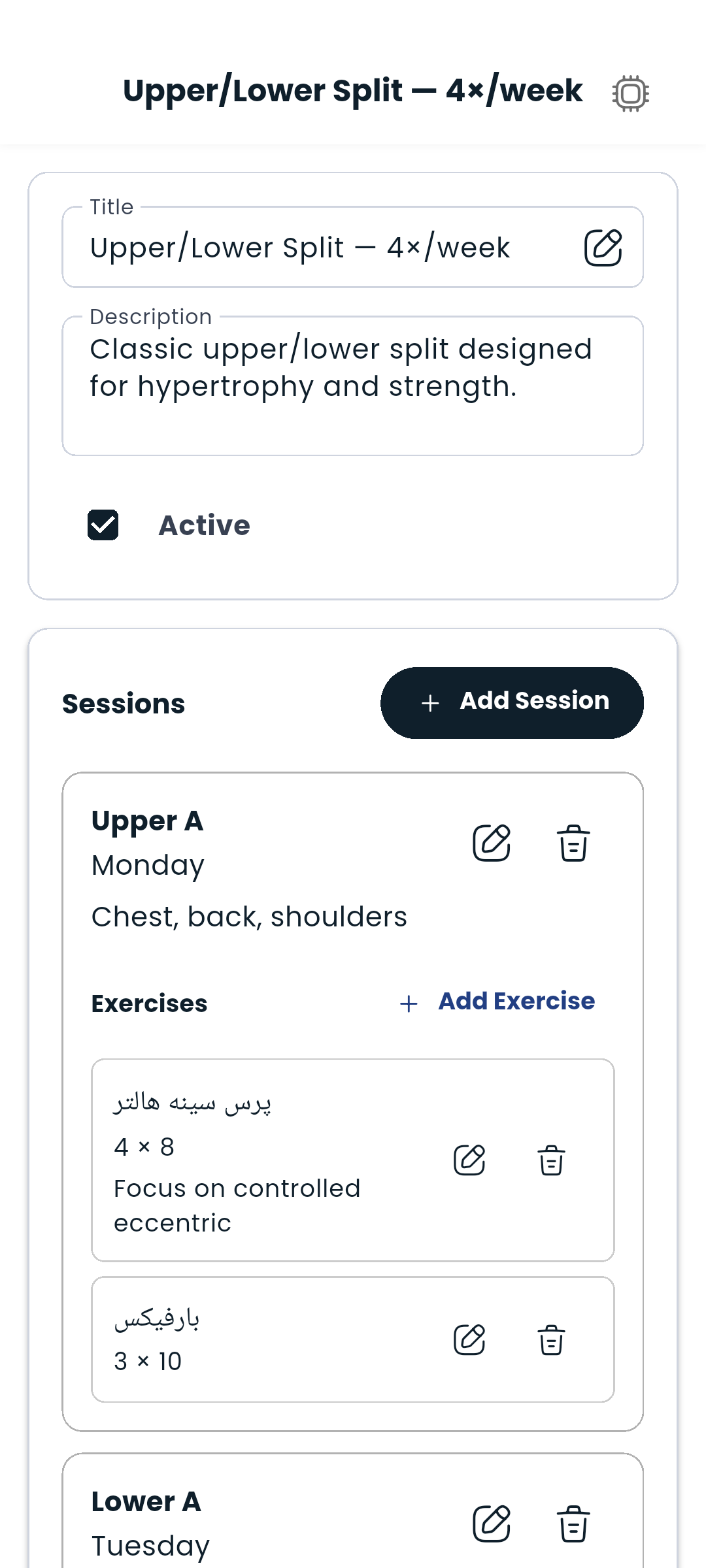
A session represents one training day or type (e.g., "Monday – Chest", "Upper Body A").
Inside your plan:
You can add as many sessions as your program needs. Tap any session in the strip to switch to it — the exercise list below updates to match.
Inside a session:
Repeat for each exercise in the session.
Each exercise row shows its sets and reps as labelled figures, plus any note you added. Tap a row to expand it for the exercise's illustration and step-by-step instructions.
Super sets group two or more exercises to be performed back-to-back with no rest between them.
You make one from the second exercise, not from a selection:
The grouped exercises then render together inside one highlighted card, labelled Super set. To break a group up, clear that field again.
Super sets are great for antagonist muscle pairings (e.g., biceps + triceps) or circuit-style training.
Only one workout plan can be active at a time. The active plan shows up on your Dashboard and is suggested when you log a workout in the Tracker.
To activate a plan: open it and tap Set as active plan.
Edit and delete options only appear for plans that are yours to change. A plan your trainer wrote for you is theirs: you can read it, follow it and log against it, but the pencil and the ⋮ menus are not offered, and the header says who wrote it. The same plan on your trainer's screen carries the name of the trainee it was written for, and all of its editing.
Tap the AI button (sparkle icon) anywhere in the workout plan to get help — ask it to suggest exercises, explain a movement, or auto-fill a session based on your goals.