
Loading…
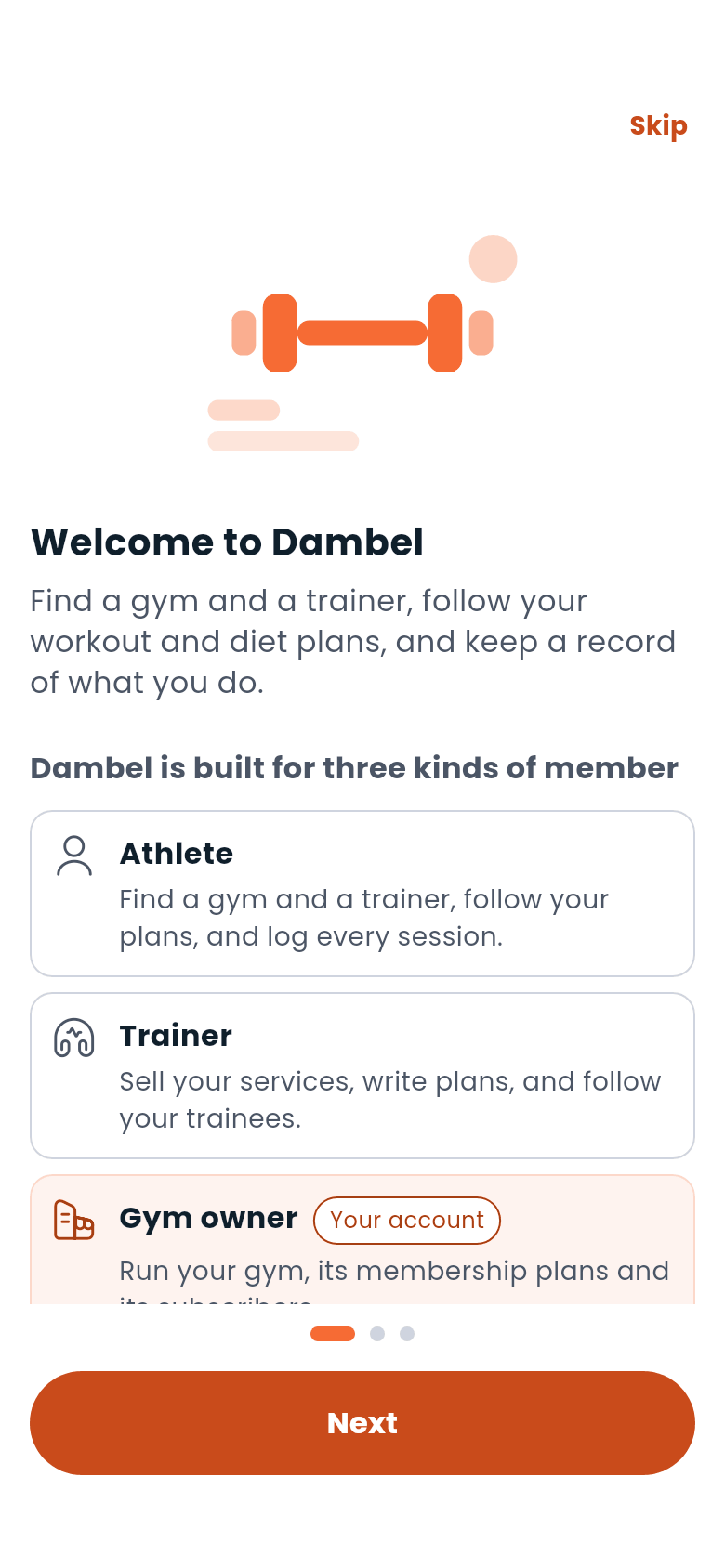
Dambel brings together everything you need for your fitness journey in one place. Whether you're an athlete tracking your progress, a trainer managing clients, or a gym owner growing your business: Dambel has a role for you.
As an athlete:
As a trainer:
As a gym owner:
The first time you open Dambel after signing in, it asks three short questions: who you are (an athlete, a trainer or a gym owner) what you came to do, and where you'd like to start. Your answers just choose the screen you land on; nothing is locked in, and you can skip the whole thing.
You'll be dropped straight into whatever you picked: a gym search, a trainer search, the assistant with a plan request already written for you, or the Tracker.
Once you're logged in, you'll see four tabs at the bottom of the screen:
| Tab | What it's for |
|---|---|
| Dashboard | Your daily home base: active plans, today's summary, your balance |
| Gyms | Discover gyms on a map, or as a list |
| Training | Trainers, workout plans, diet plans, and your trainees |
| Tracker | Log the day, and see your averages, charts, records and history |
On a wide screen (a tablet, or a browser window) the four move to a rail down the side of the window instead of a bar along the bottom. See Using Dambel on a computer.
Three things live in the top bar on every one of the four tabs, rather than in the tabs themselves:
| Icon | What it opens |
|---|---|
| Chat | Your conversations |
| Bell | The newest notifications, and a way to the rest |
| Sparkle | The AI assistant |
Your photo, top left, opens a short menu: your profile, your wallet, your referral link, settings, and logging out.
Every main screen has a ? in its top bar. It opens a short guide to that screen: three things worth knowing and a link to the matching page here.
The first time you reach a screen, Dambel walks you through it with a few highlighted steps. You can skip a tour, and you can see any of them again: Settings → Help and the intro tour replays the introduction, replays one section's tour, or resets the lot so everything is offered again.
Speaking Persian? Switch the app language anytime in Settings. Dambel fully supports Persian with a right-to-left layout.