
Loading…
The Gyms tab is built around a map. Find gyms near you, check what they offer, and subscribe without leaving the app.
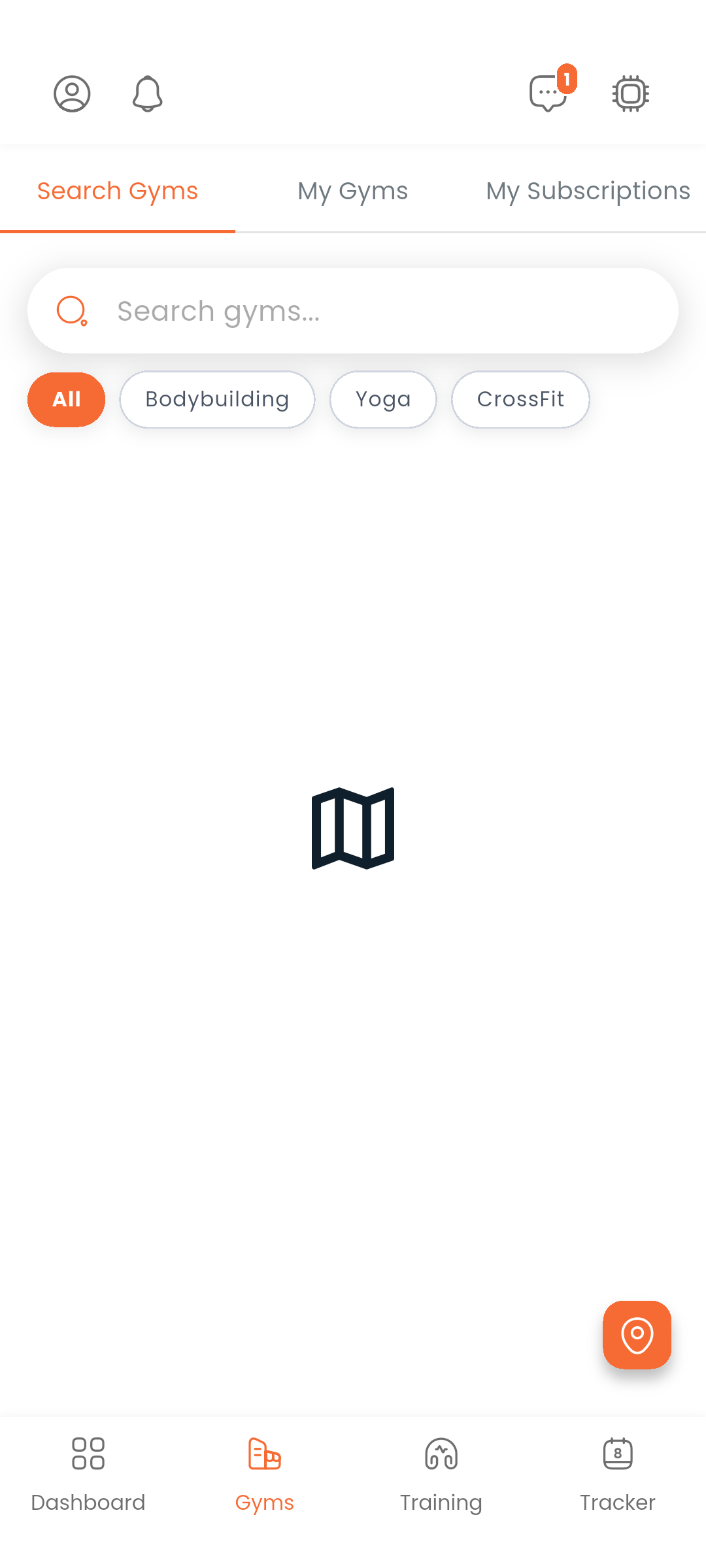
The Gyms tab opens a full-screen map. Gym markers are color-coded by status:
| Color | Meaning |
|---|---|
| Green | Open right now |
| Yellow | Opens later today |
| Red | Closed |
| Orange | Boosted listing |
Tap a marker to see a quick summary. Tap the card to open the full gym detail.
Use the search bar at the top to find gyms by name. Use the filter button to narrow results by sports field (bodybuilding, CrossFit, yoga, etc.).
Tap the location button to zoom the map to where you are.
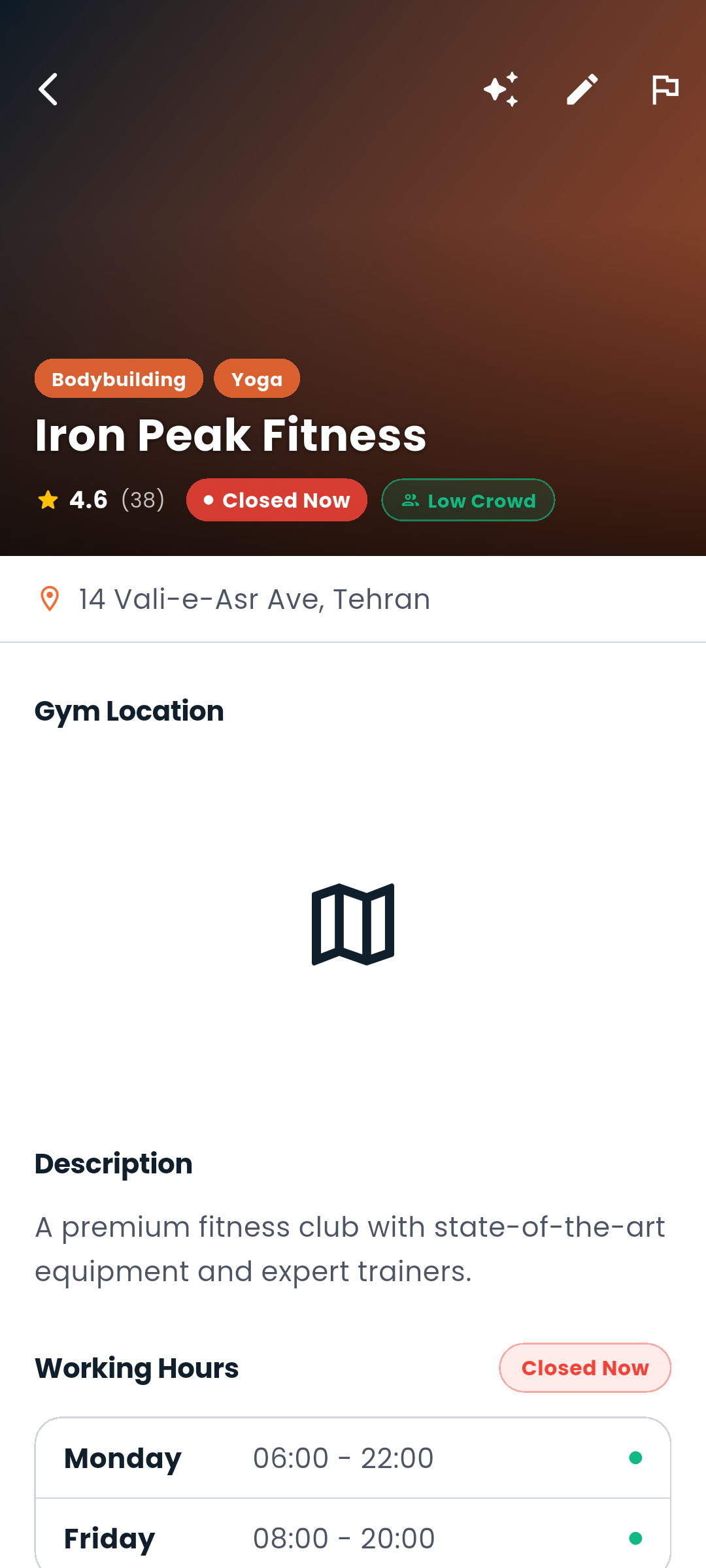
A gym's detail page shows:
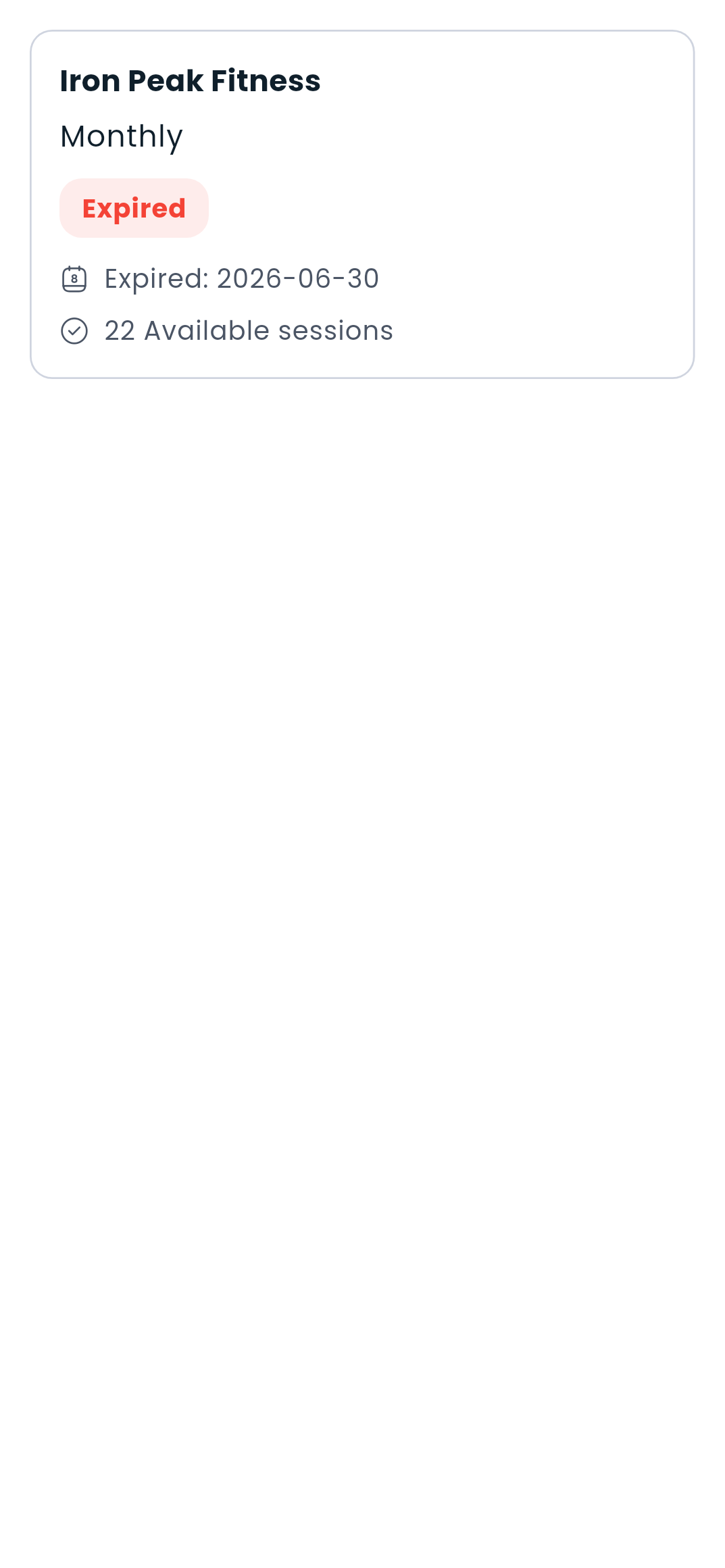
On the gym detail page, select a subscription plan and complete the payment through your Dambel wallet. Your active subscription shows up on the Dashboard, and you can review all of your subscriptions in My Subscriptions.
If you're a gym owner, you can list and manage your gyms through My Gyms.
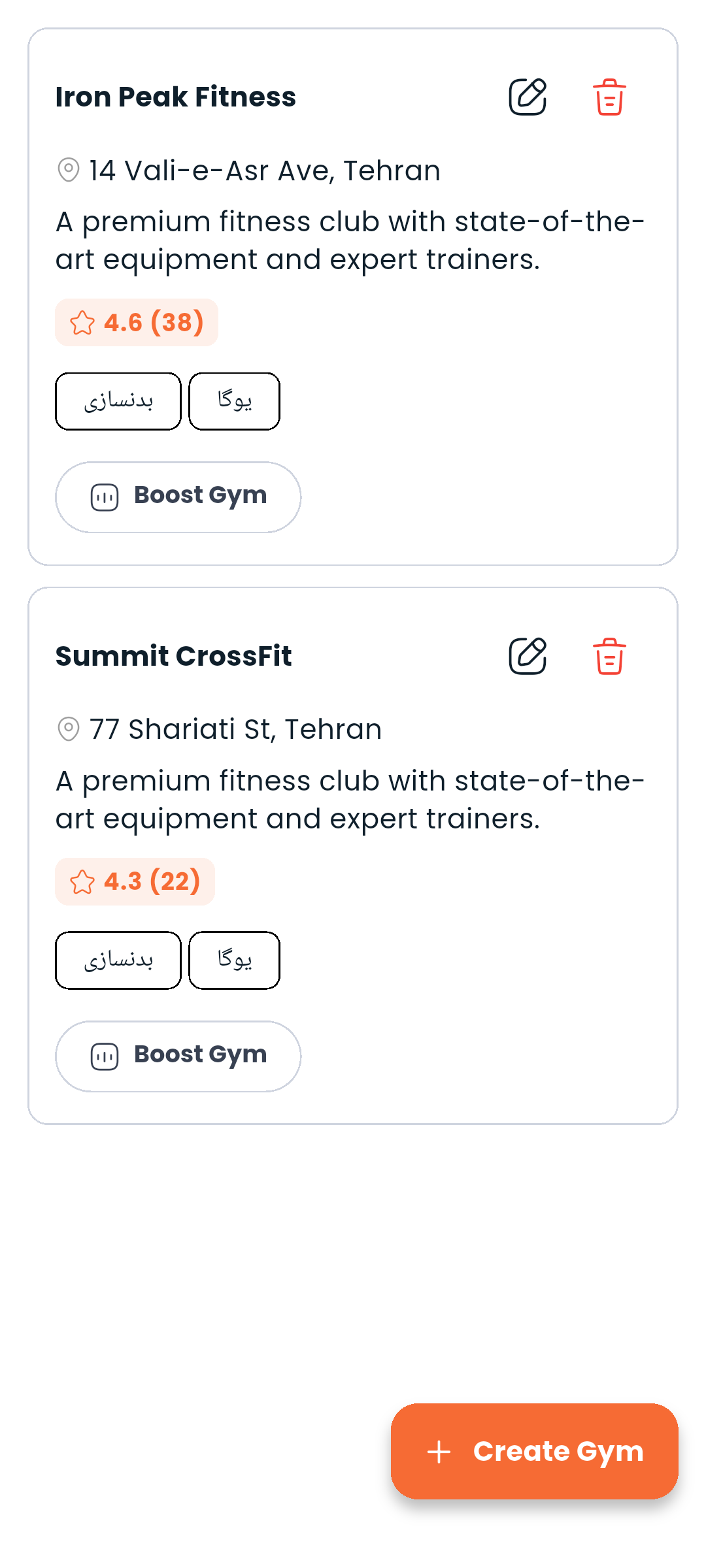
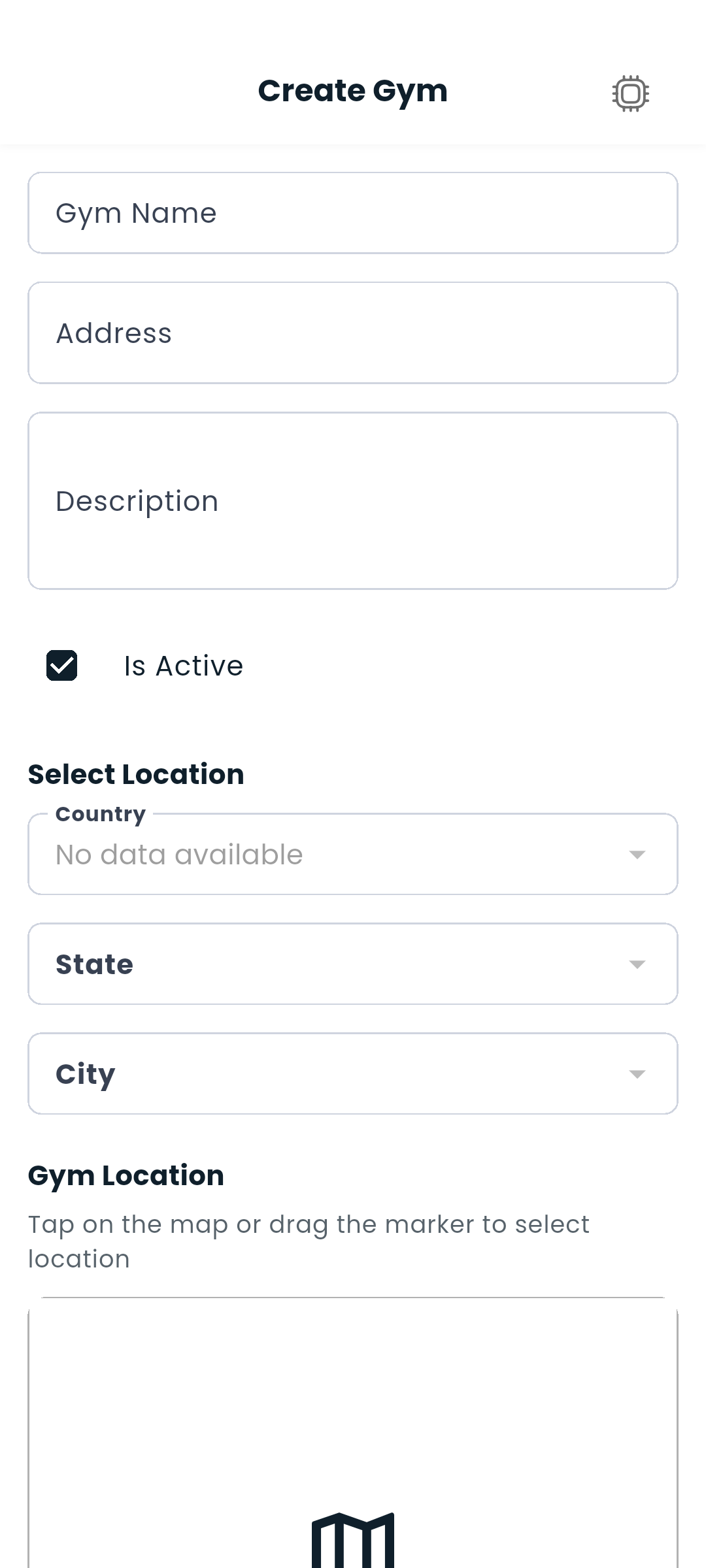
Go to My Gyms → + and fill in:
Every gym needs its operating licence on file. Open the gym for editing and find the Gym license box, below the photo gallery but separate from it — your gallery photos are public, your licence never is.
Tap Upload license to photograph the document or pick it from your gallery. The status underneath tells you where it stands:
| State | What it means |
|---|---|
| Not uploaded | No document on file yet. |
| Awaiting review | We've got it and our team is checking it. |
| Approved | The gym's licence is verified. |
| Rejected | Something was wrong with it. The reason is shown below the status. |
Replace license swaps in a new document and Remove takes it down; either way the licence goes back to awaiting review, since a new document needs a fresh check.
Anything other than approved also shows as a small badge on the gym's card in My Gyms, so you can spot a rejected licence without opening the gym. You'll get a notification when the review finishes.
Only you and our review team can see the document.
Open your gym and tap Subscribers to see a list of all active members with their subscription details. You can search for a specific subscriber by entering their user name in the search box.
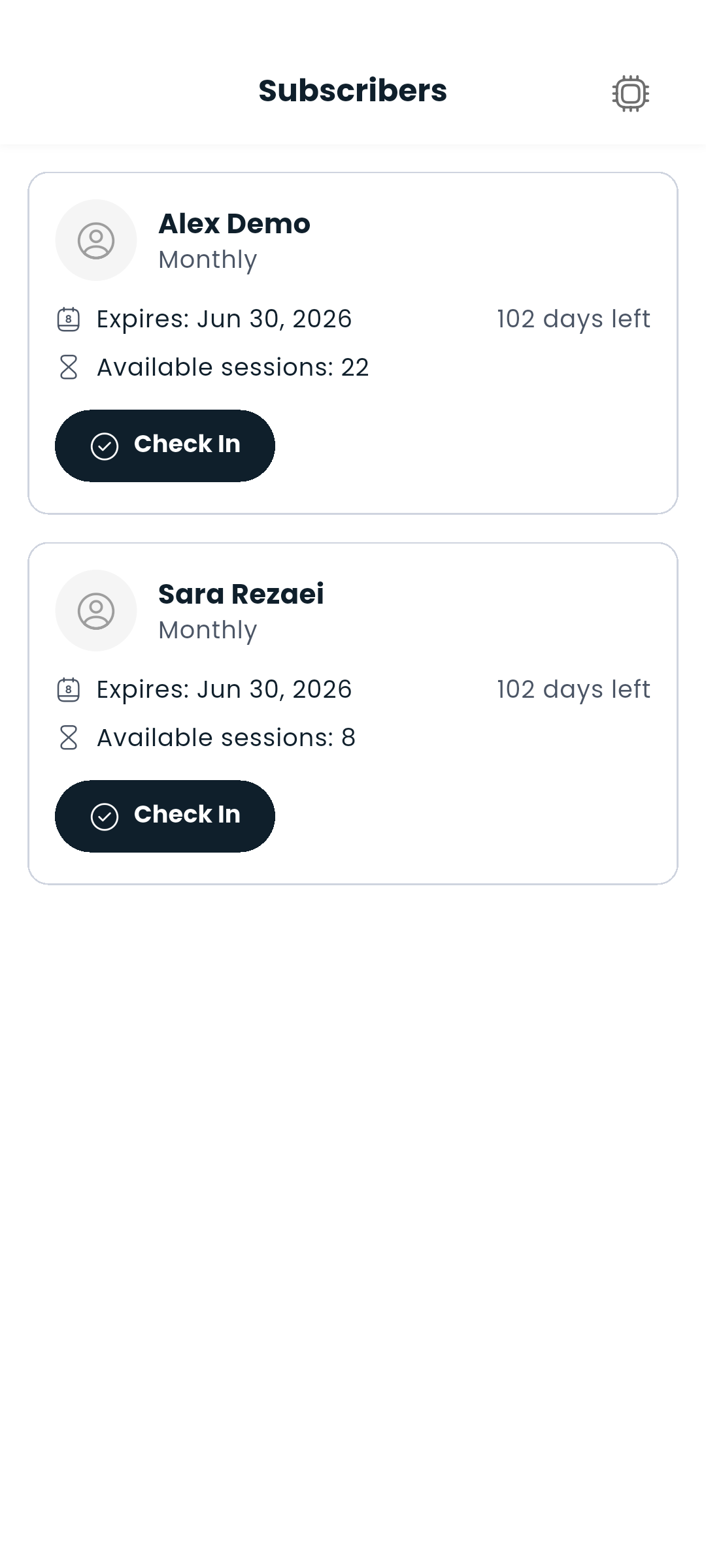
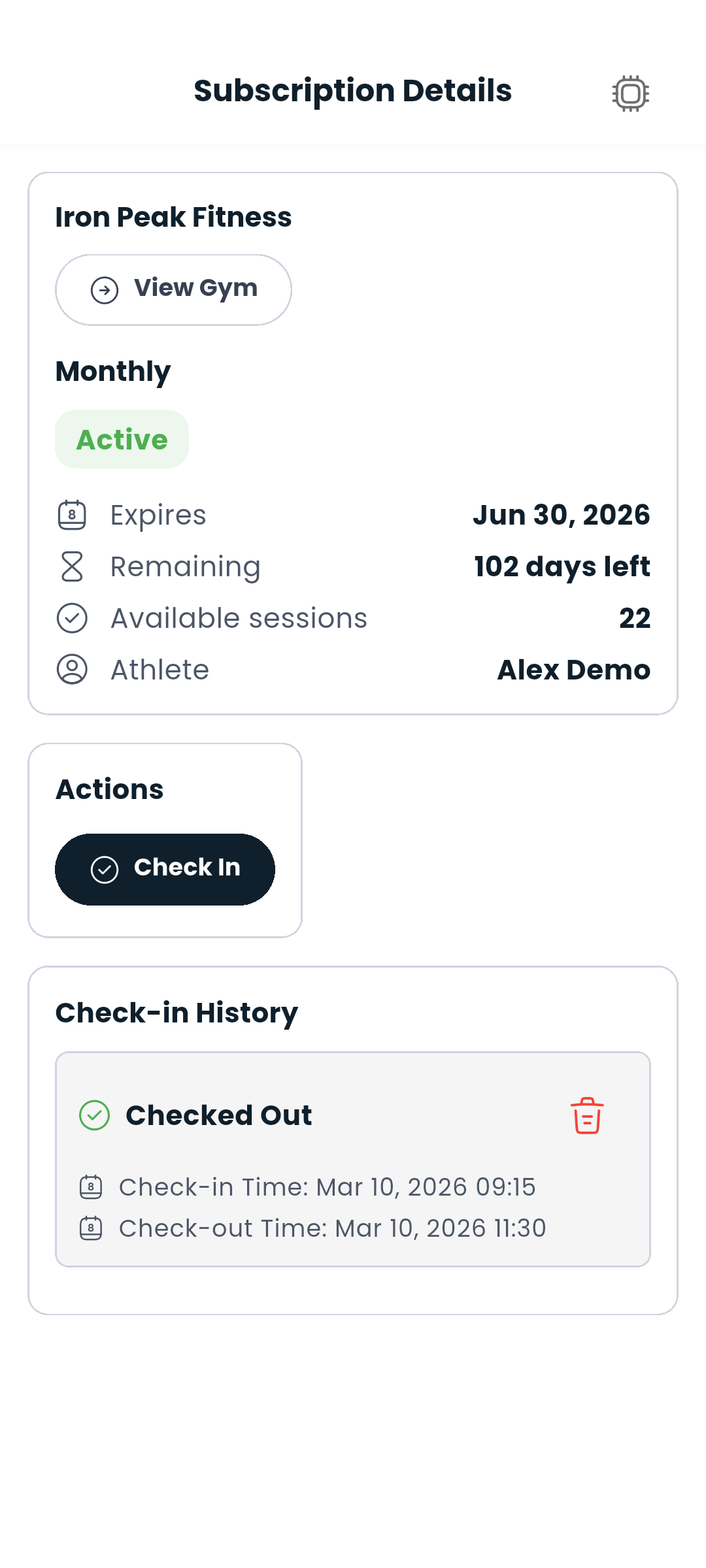
Tap any subscriber to view or edit their subscription details.
Next: Find a trainer or check your wallet balance