
Loading…
A diet plan in Dambel lets you structure your daily nutrition — meals, macros, supplements, and water targets — all in one place.
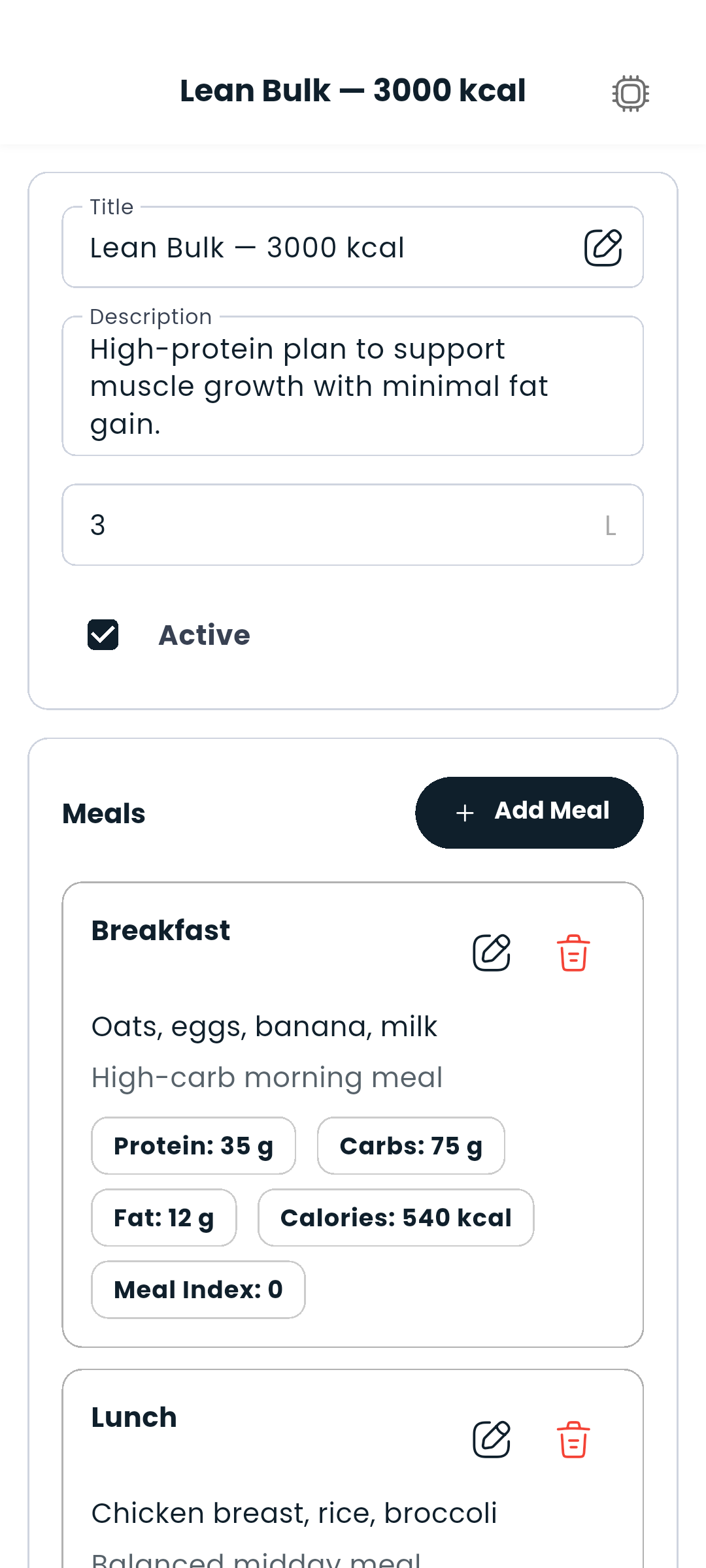
The plan opens in read mode, led by a daily nutrition summary, followed by your meals as scannable cards. Editing is always an explicit action.
The Diet Plans tab is part of the Training area, and it is there only if your account may see plans.
Each meal represents a distinct eating window in your day (breakfast, pre-workout, lunch, etc.).
Inside your plan:
The plan automatically totals up your daily macros and calories across all meals.
Each meal card shows its calories alongside the meal name, its ingredients, and one consistent macro line — protein, carbs and fat, always in that order. When a plan has several meals, a strip of meal names sits above the list; tap one to jump straight to it.
Supplements are attached to meals and shown alongside them.
Inside a meal:
Set a daily water target when creating or editing the plan — the field is labelled Target Daily Water and is measured in litres. The Tracker and Dashboard water card let you log your intake throughout the day and track progress toward your goal.
Only one diet plan can be active at a time. Activate it by opening the plan and tapping Set as active plan — it'll then appear on your Dashboard.
At the top of any diet plan you'll see a summary of your total daily protein, carbs, fat, and calories, with the calorie total shown prominently and a bar showing how your macros are balanced. Your daily water target is listed underneath. This updates automatically as you add or edit meals.
Two things about that summary are worth knowing. Each meal slot is counted once: when a plan offers alternatives for the same meal you eat one or the other, so only the first is in the figure, and a line under the total says so. And the bar is proportional to grams, not calories — fat weighs less per calorie than the other two, so its slice looks smaller than its share of the energy. The bar says that under itself too.
Tap the AI button inside your diet plan to get help — ask for meal suggestions, get macro targets based on your goals, or let it fill in a meal for you.