Login | Sign Up
  • FA
  • EN

Wiki

Trainers

Looking for a trainer? Search, browse their profiles, and subscribe to a service right here in the app.
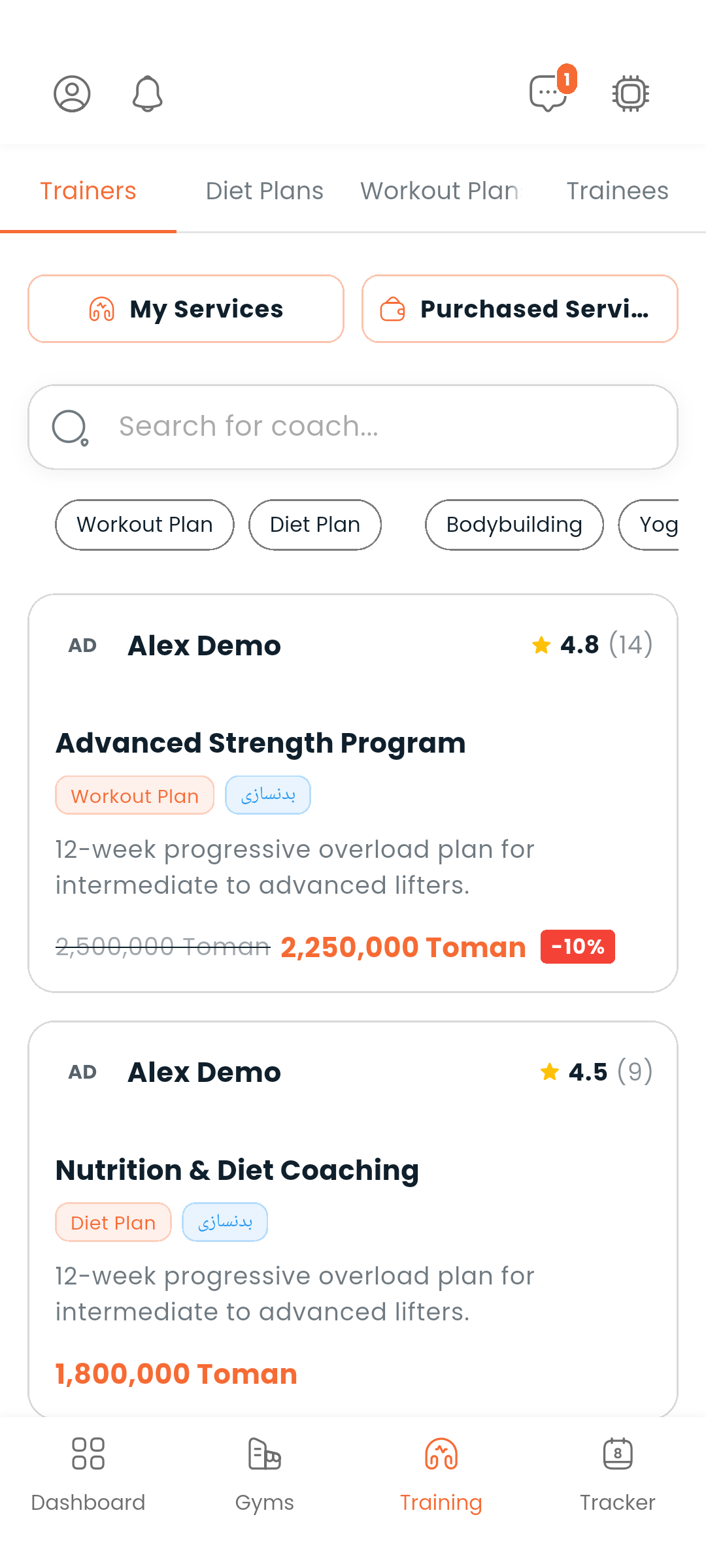
Training screen


Finding a trainer

Go to Training → Trainers.

You can:

  • Search by name or keyword
  • Filter by category: Workout Plans or Diet Plans
  • Filter by sports field: bodybuilding, CrossFit, powerlifting, yoga, and more

Trainers with boosted listings appear at the top of the list. Tap any trainer card to open their profile.


Trainer profiles

A trainer's profile shows:

  • Their bio, specializations, and sports fields
  • Ratings and reviews from past clients
  • Available services with pricing

Purchasing a service

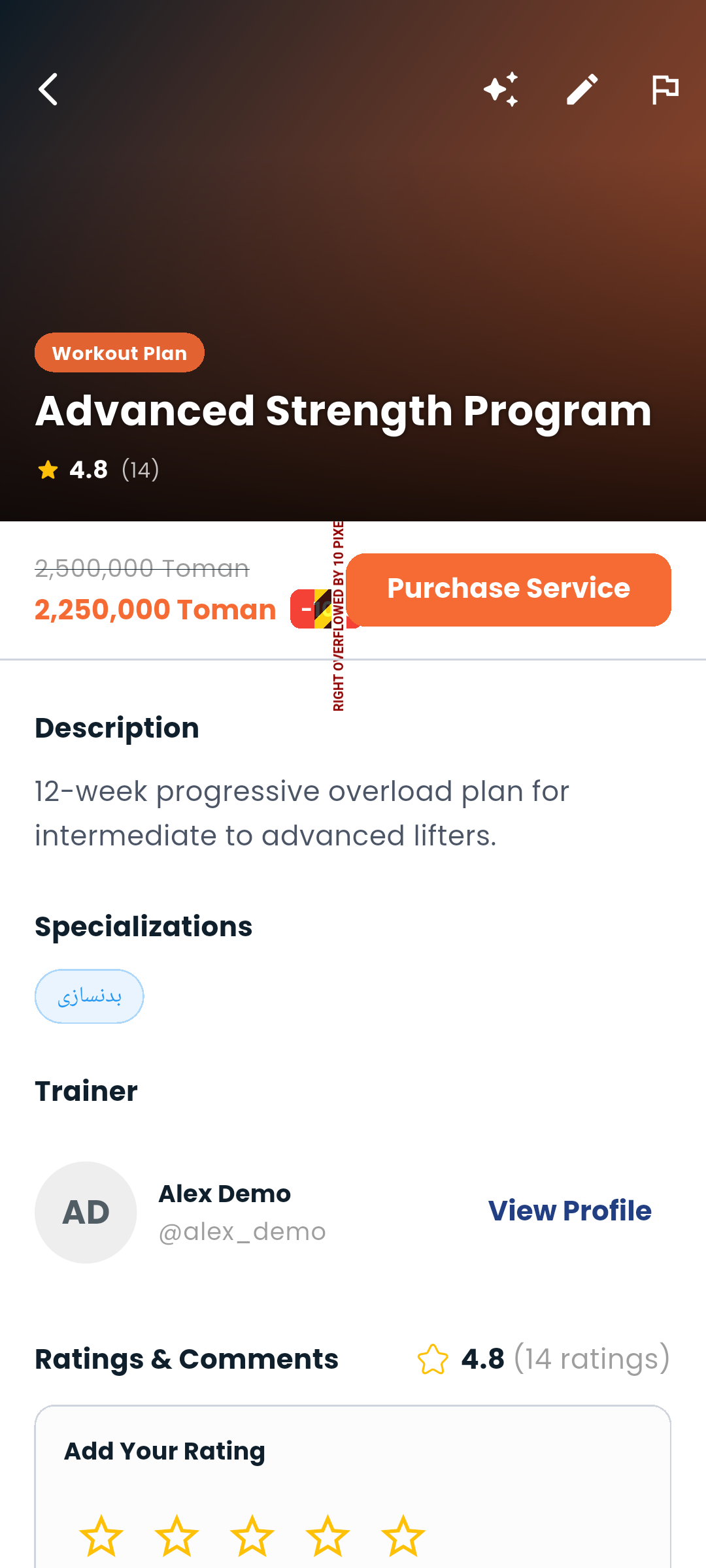
Training service detail

On a trainer's profile, tap a service to see its full details. When you're ready:
  1. Tap Subscribe
  2. Confirm the purchase from your Dambel wallet

Your subscriptions

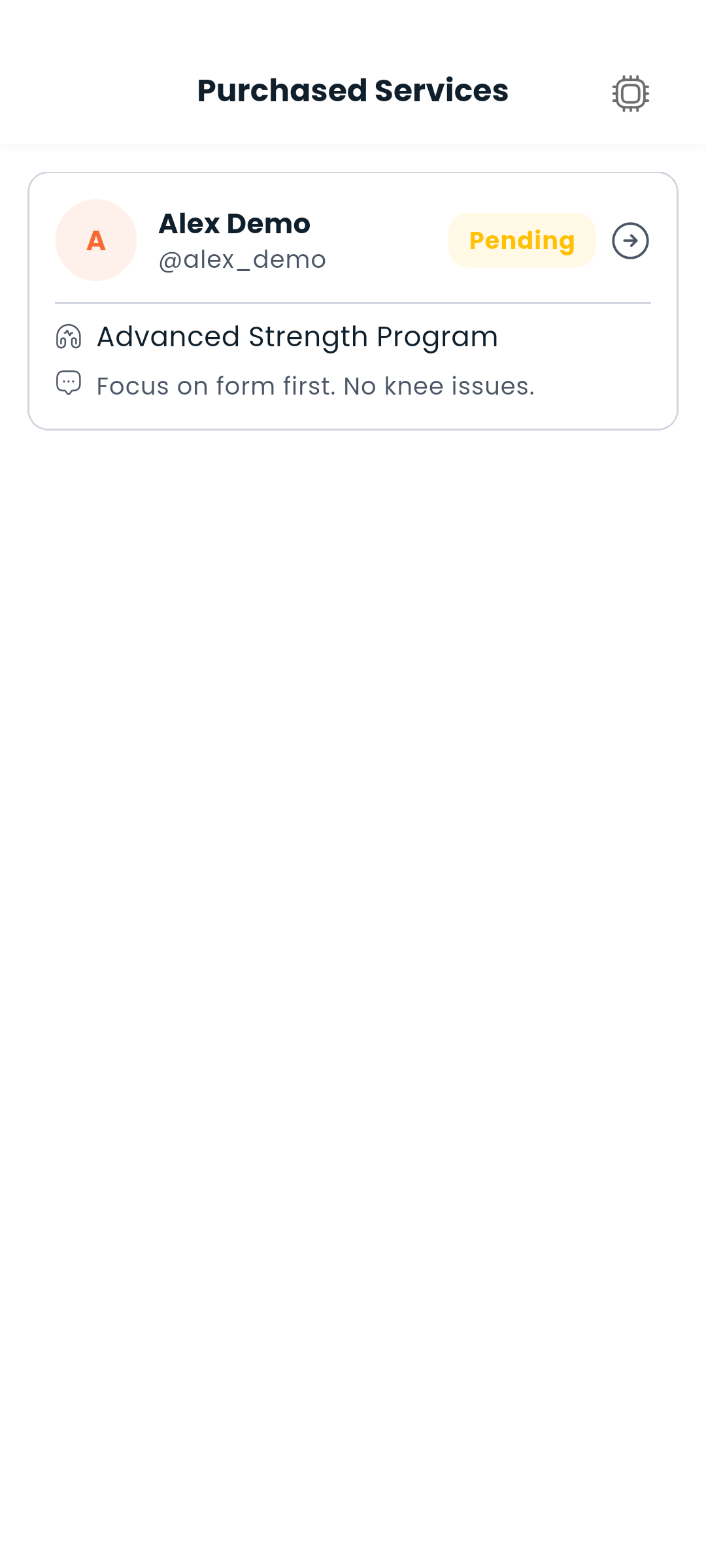
Purchased services

Go to Training → My Subscriptions to see all the services you're currently subscribed to. Tap any subscription to see details and communicate with your trainer.


For trainers — offering services

If you're a trainer, you can create and manage the services you offer.
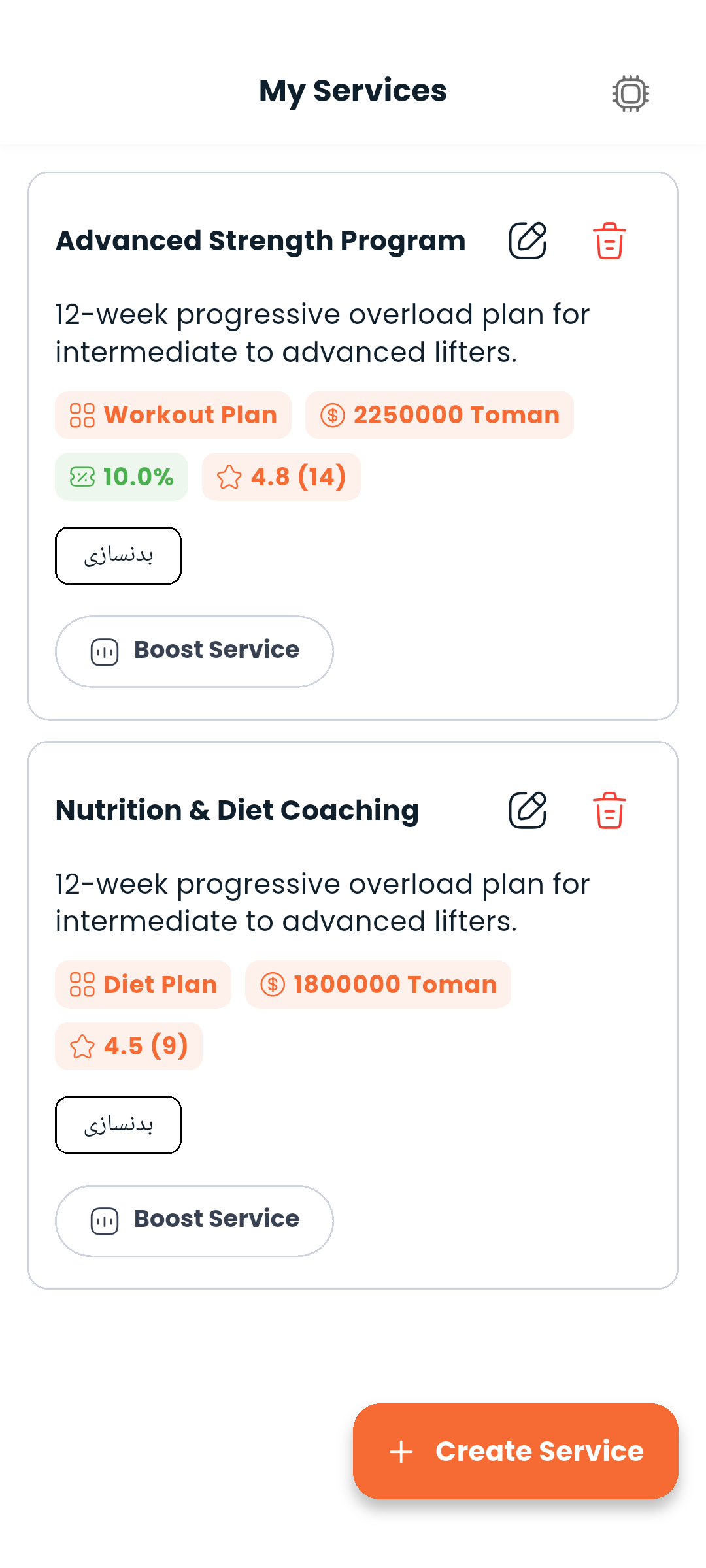
My Services

My services

Go to Training → My Services to see all services you've created.
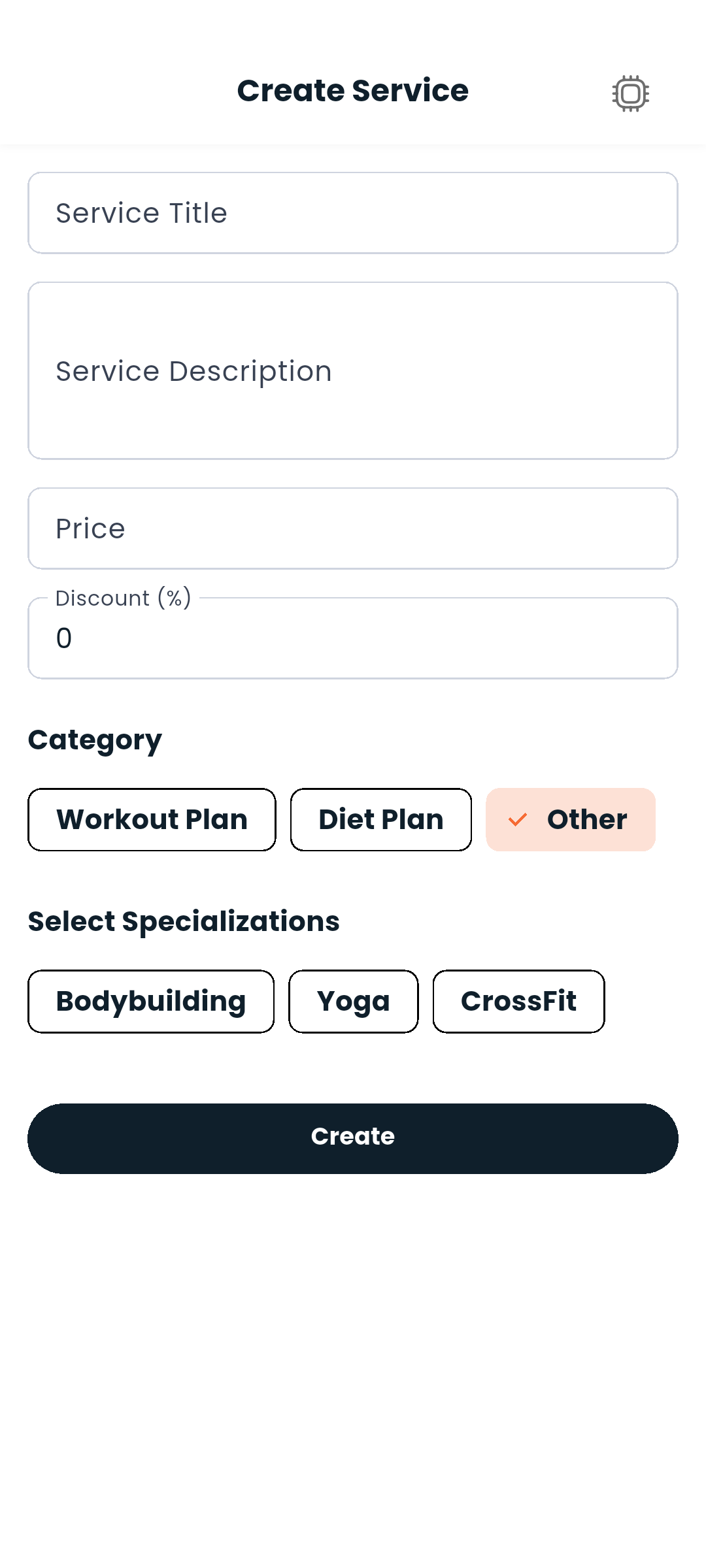
Creating a service

Service form

Tap + and fill in:

  • Service name and description
  • Category (Workout Plans / Diet Plans)
  • Price and duration
  • Sports field

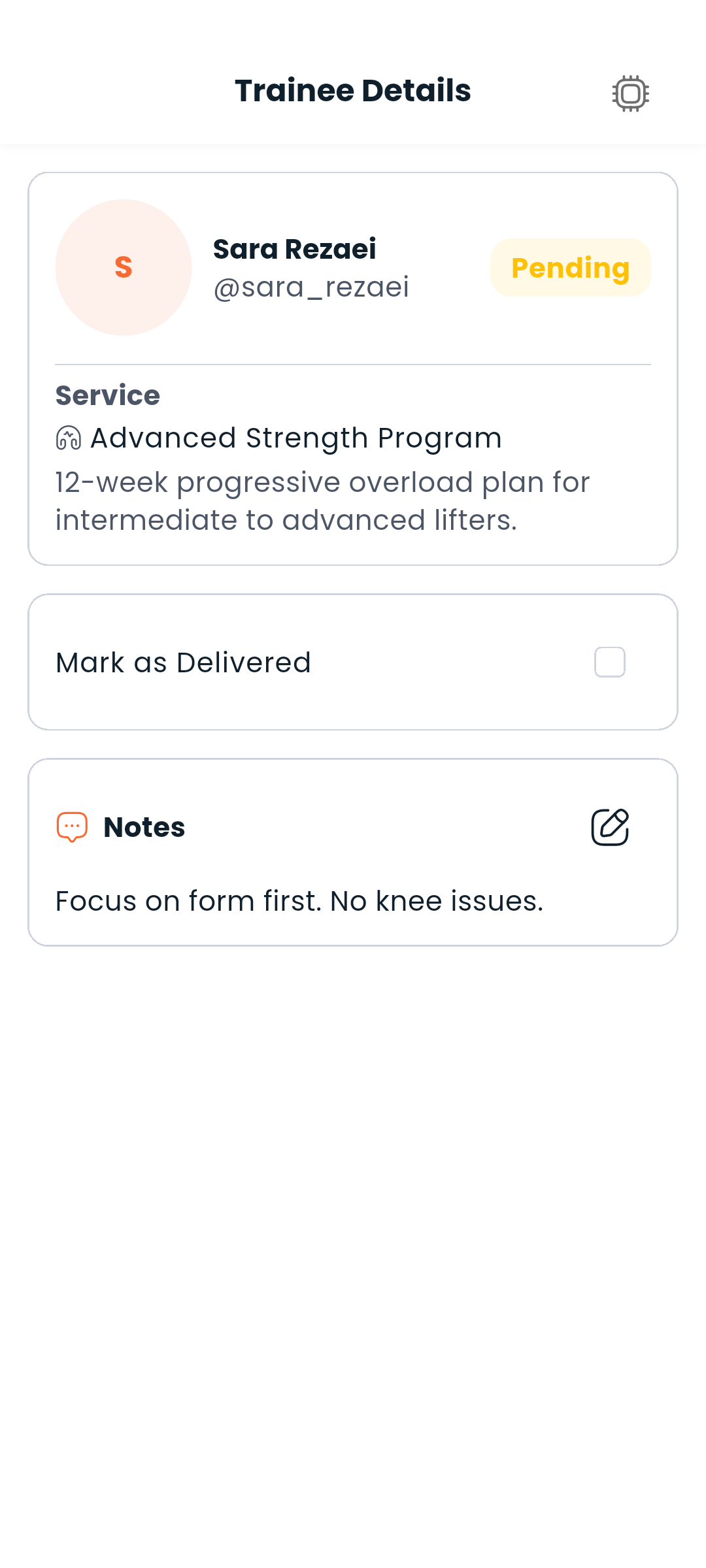
Managing trainees

Trainee detail

Go to Training → Trainees to see all your current clients. Tap any trainee to:

  • View their profile and stats
  • Access their tracker data (read-only)
  • Open a direct chat

Next: Chat with your trainer or view your wallet

footer wave
logo

Dambel, the smart world of fitness and nutrition

LinkedinInstagramXYoutubeTelegramGitHub