
Loading…
Your profile is what other people see when they look you up — trainers, gym owners, whoever.
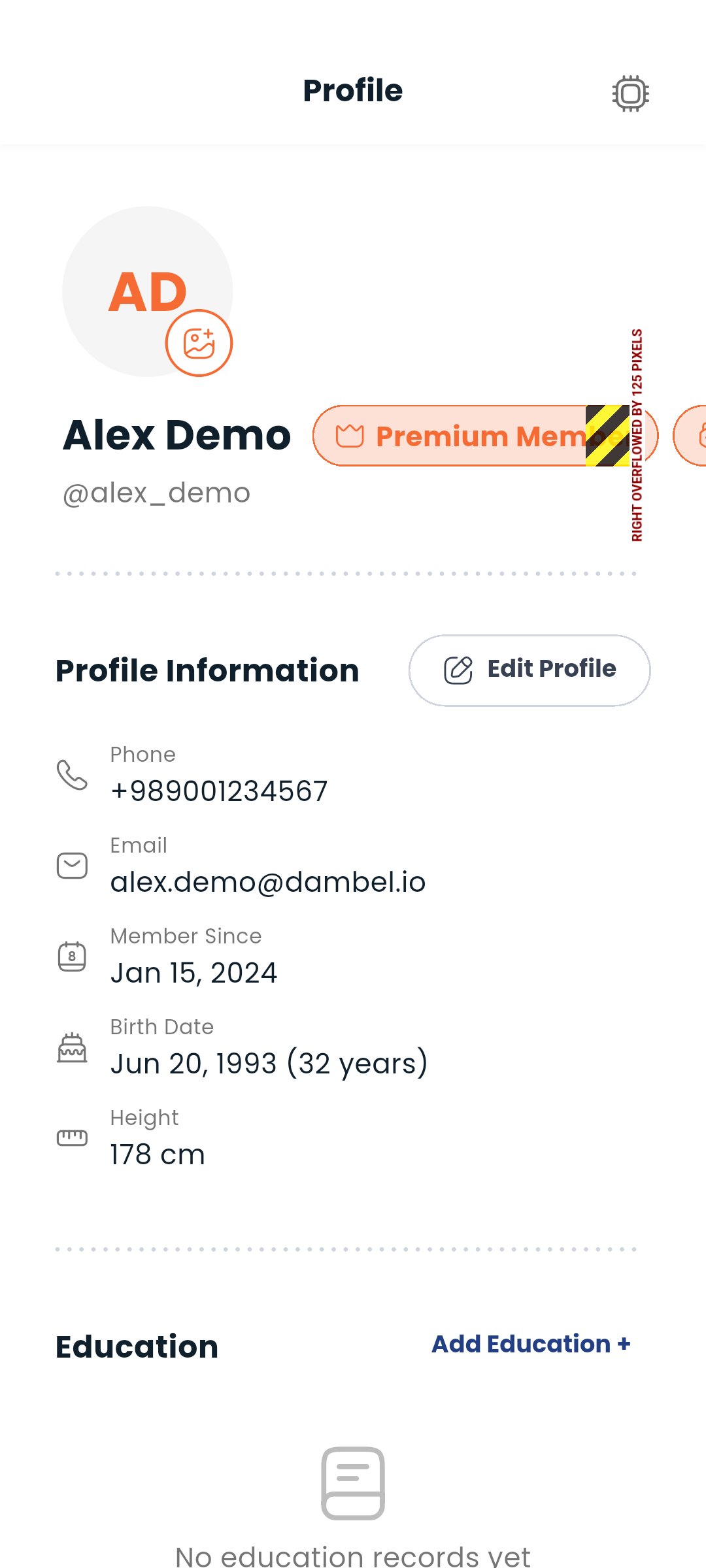
Tap the pencil icon or Edit Profile button on your profile page.
You can update:
Multiple profile pictures are supported. You can upload a gallery of photos that others can scroll through.
Your profile shows your active roles:
Roles are given by Dambel — you'll get a notification if yours changes.
If you have a Premium membership, a premium badge appears on your profile.
If you offer training services, upload your trainer licence here so we can verify you. If you don't train anyone, you can skip this section entirely — nothing else on your profile depends on it.
Tap Upload license and take a photo of the document or pick one from your gallery. Your licence then moves through one of four states:
| State | What it means |
|---|---|
| Not uploaded | No document yet. You can't publish training services. |
| Awaiting review | We've got it and our team is checking it. |
| Approved | You're verified and can publish training services. |
| Rejected | Something was wrong with the document. The reason is shown right below the status. |
If your licence is rejected, read the reason, tap Replace license, and upload a clearer or more current document.
You can remove the document at any time with Remove. Doing so also clears its approved status, so you'll need to upload a new one to be verified again. Replacing a document does the same — it goes back to awaiting review.
Your licence is private. Only you and our review team can see it; it never appears on your public profile.
You'll get a notification as soon as your licence is approved or rejected.
Add your academic background so potential clients know what you're about.
Tap Add Education to enter:
Show off your competitive achievements.
Tap Add Championship to enter:
Invite friends to Dambel using your personal referral link.
On your own profile page, tap Share Referral Link to copy the link to your clipboard. Send it to anyone - when they open it, the registration page loads with your referral code already applied.
When someone views your profile — a trainer browsing athletes, or an athlete checking a trainer — they see your name, photo, roles, bio, education, and championships. Your contact details (phone/email) are kept private.
Next: Adjust your settings or see your wallet