Login | Sign Up
  • FA
  • EN

Wiki

Chat

Chat with your trainer, gym, or training partners right in the app.
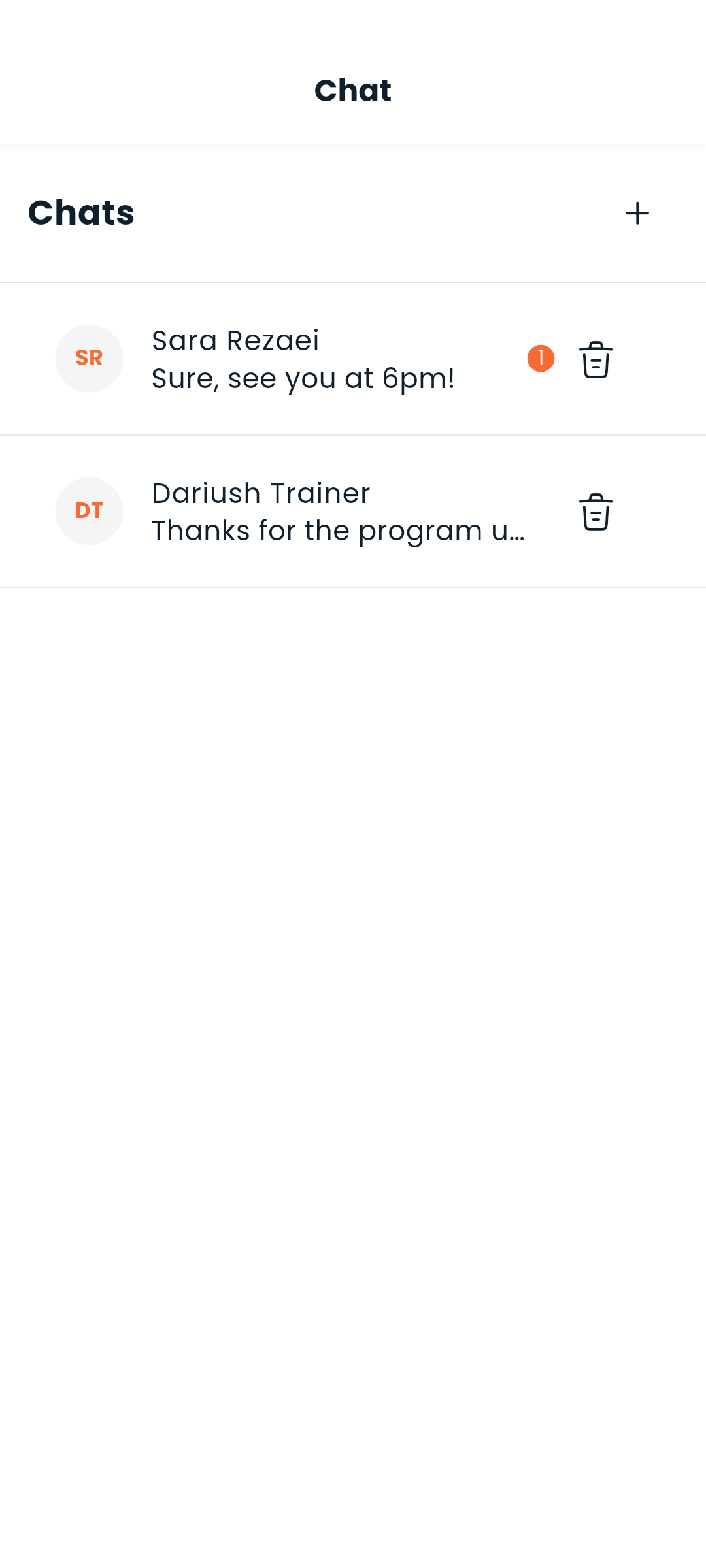
Chat screen


Starting a conversation

Go to the Chat tab (speech bubble icon). You'll see a list of all your conversations.

To start a new chat, tap + and search for a user by name or username.


Direct messages

One-on-one conversations work just like any messaging app:

  • Type and send messages in real time
  • Edit or delete your own messages (long-press a message)
  • Messages are paginated — scroll up to load older history
  • Timestamps show Today, Yesterday, or the full date

Group chats

Group chats let multiple people talk in the same thread — useful for training groups or gym communities.

  • The group name is automatically generated from participant names
  • Group owners can add or remove participants
  • Everyone in the group can send and receive messages

Unread badge

The chat tab icon shows a badge with the count of unread messages. It clears as you open conversations.


Real-time delivery

Messages are delivered instantly via WebSocket. No refresh needed — new messages appear as they arrive.


Next: Set up notifications or find people to chat with

footer wave
logo

Dambel, the smart world of fitness and nutrition

LinkedinInstagramXYoutubeTelegramGitHub