
Loading…
Notifications keep you in the loop — payments, trainer updates, gym stuff, and more.
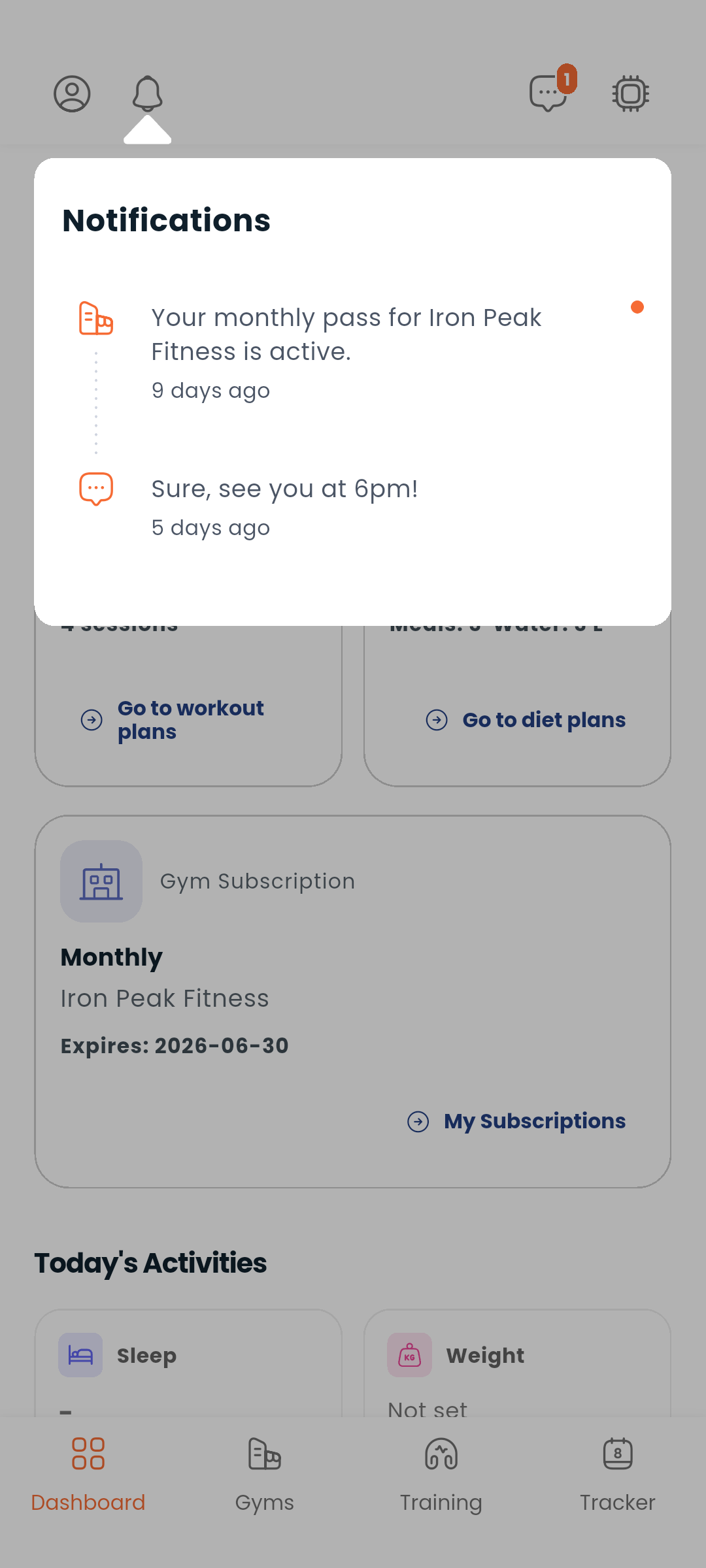
Tap the bell icon at the top of the screen. A red badge shows how many unread notifications you have.
| Type | Example |
|---|---|
| Payments | "Your subscription was renewed" |
| Ratings & reviews | "Alex left you a 5-star review" |
| Role changes | "You've been granted Trainer status" |
| Referrals | "Someone signed up with your code" |
| Licence reviews | "Your trainer license was approved" |
| Gym events | "Your gym membership expires in 3 days" |
| Chat | "New message from your trainer" |
| Training updates | "Your trainer updated your workout plan" |
| Tracker reminders | "Don't forget to log today's workout" |
| Comments | "Your trainer commented on your progress" |
Swipe a notification to the left to delete it.
Notifications load 20 at a time. Scroll to the bottom of the list to load older ones automatically.
Dambel uses Firebase Cloud Messaging (FCM) to send push notifications to your device even when the app is closed. You'll be prompted to allow notifications on first launch — we recommend enabling them to stay on top of your training.
Next: Check your chat or edit your profile