
Loading…
Everything in Dambel starts with your account. Here's how to create one, log in, and recover your password if you forget it.
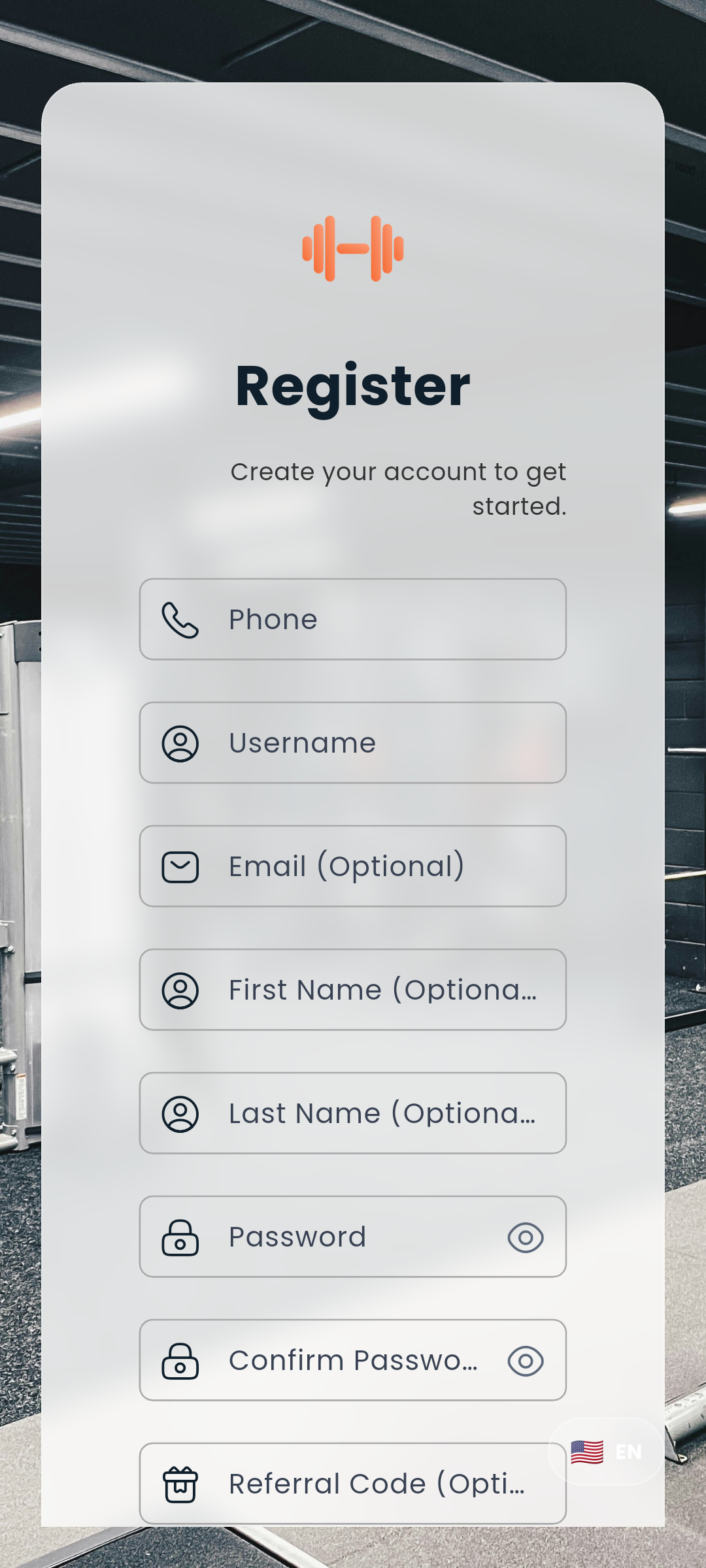
Tap Sign Up on the welcome screen and fill in:
| Field | Requirement |
|---|---|
| Phone number | At least 10 digits - used for verification |
| Username | At least 3 characters, must be unique |
| Password | At least 8 characters |
Tick the box beside I have read and agree to the Privacy Policy before you continue - tapping the sentence ticks it, and tapping Privacy Policy opens the policy in a sheet over the form, so you never leave your half-filled registration to read it.
After you tap Register, the form is replaced by a single verification screen. A 6-digit SMS code is sent to your phone - enter it there and tap Verify and Register to activate your account.
If you didn't receive the code, tap Resend Code once the one-minute cooldown expires.
Invited by a friend? If someone shared their referral link with you, opening it takes you straight to the registration page with their referral code applied automatically - no need to type anything.
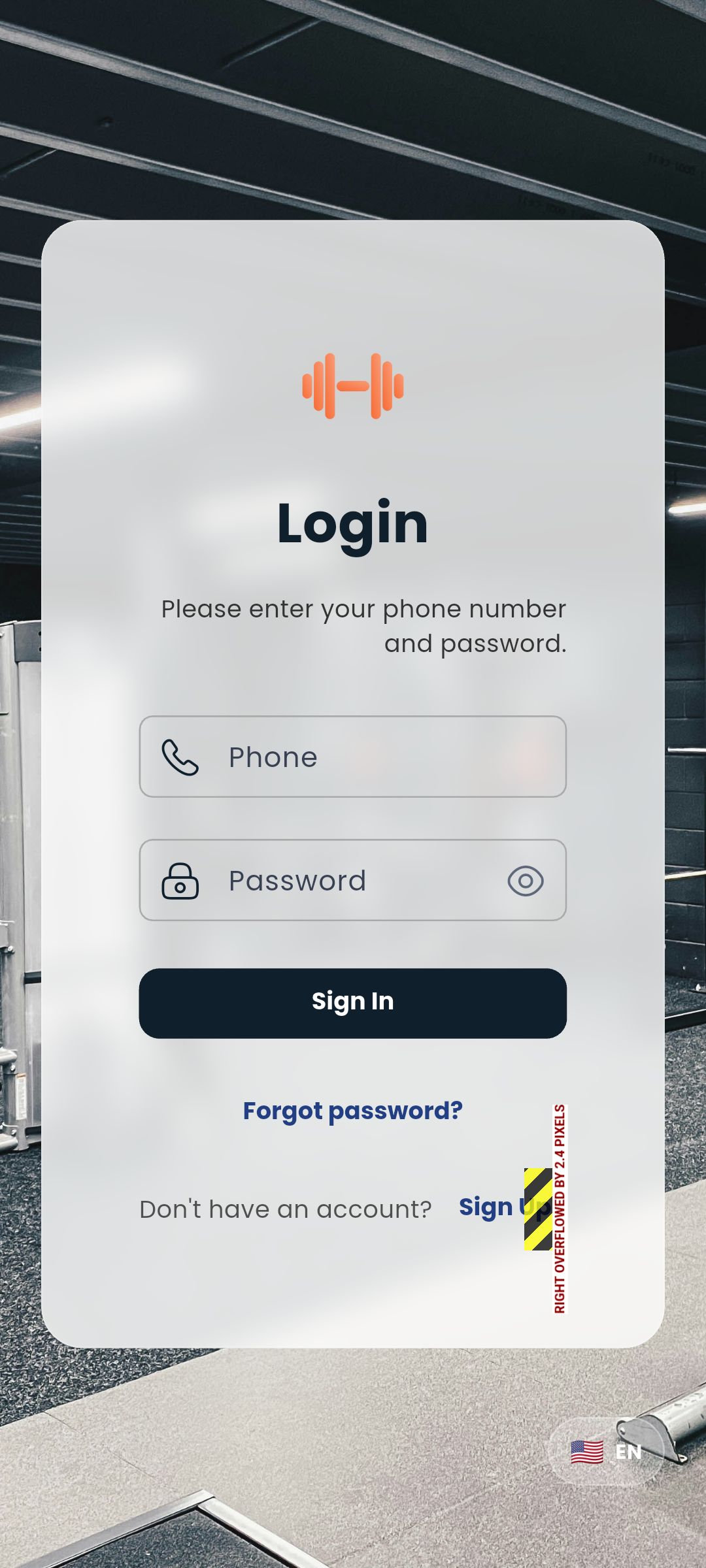
Enter your phone number and password, then tap Login. That's it.
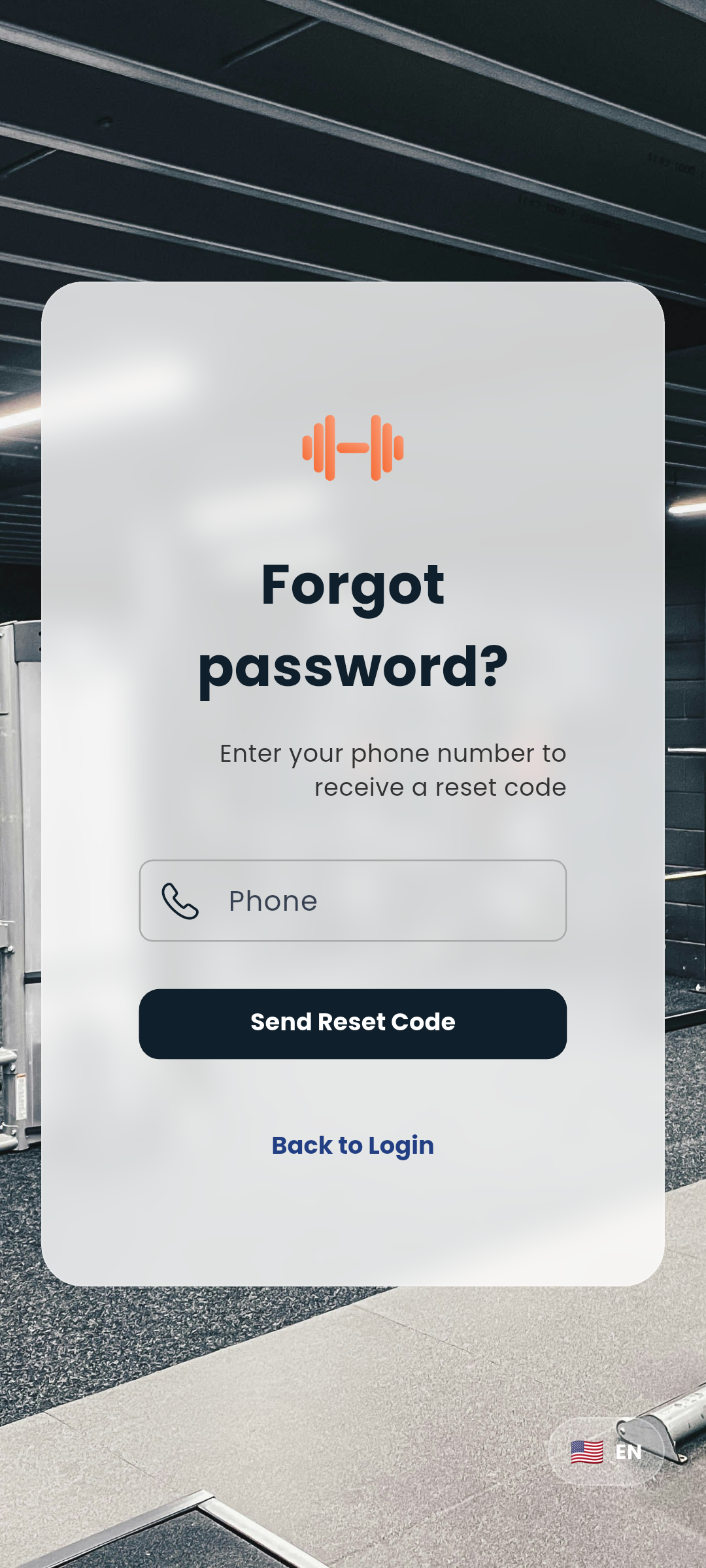
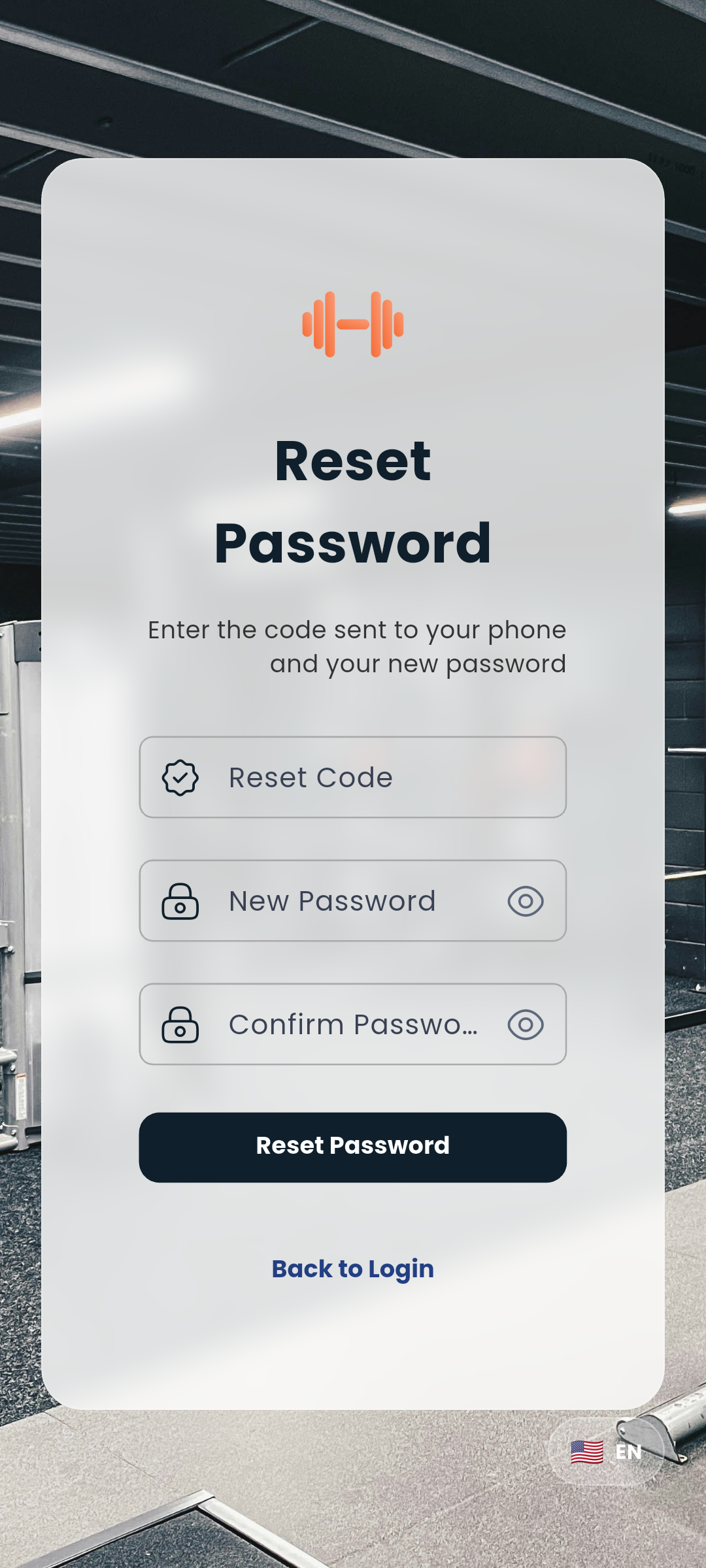
Your password is updated immediately — log in with the new one right away.
Tap your photo in the top bar and choose Logout. It sits in that menu rather than in Settings, so you can't reach it by accident while changing a setting.
To sign out a different device instead of this one, see Login sessions.
If you followed a link to a gym, a plan or a service while signed out, Dambel takes you to the login screen first and then opens what you were after - you don't have to find it again.
The same holds if your session expires while you're using the app: you're returned to the login screen, and signing in puts you back on the screen you were reading.
Next: Set up your profile or explore the Dashboard