
Loading…
The Dashboard is your home screen — where the day starts, and what it shows depends on who you are.
A brand-new account sees one card: Start here, with two ways in — find a trainer to write you a plan, or ask the assistant to build one now. It goes away as soon as there is something to show.
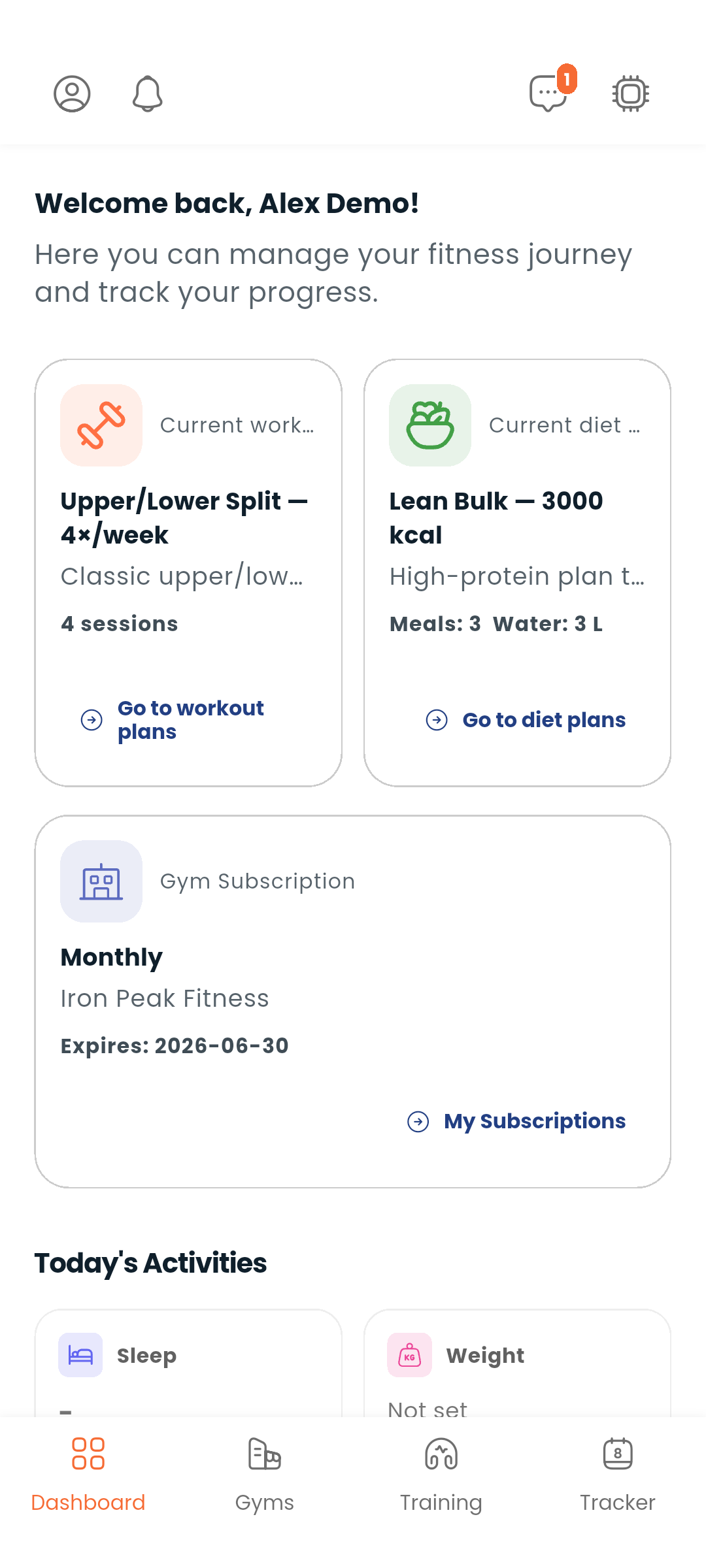
Your current workout plan, diet plan and gym subscription, one card each. Each card names the plan, a few of its numbers, and opens it with View plan details; the quieter link below goes to the full list.
If you are not a member of any gym yet, the gym card offers Find gyms rather than the empty list.
A one-line summary of what you have logged today — water, meals, workouts, supplements — with Log today to open the Tracker, which is where logging happens. The Dashboard reports; the Tracker records.
Where your premium membership stands: active and until when, ending this week, ended, or never started — with Renew or Upgrade to Premium where either applies. See Wallet.
Your current Dambel balance. Tap it to go to your Wallet.
Extra cards appear for what you run rather than what you follow:
| Card | What it shows |
|---|---|
| My trainees | How many trainees you have, and the newest |
| My gyms | How many gyms you own, and one of them |
| Trainer licence | Whether your licence is under review, or needs a clearer copy — until it is approved, your services are not listed |
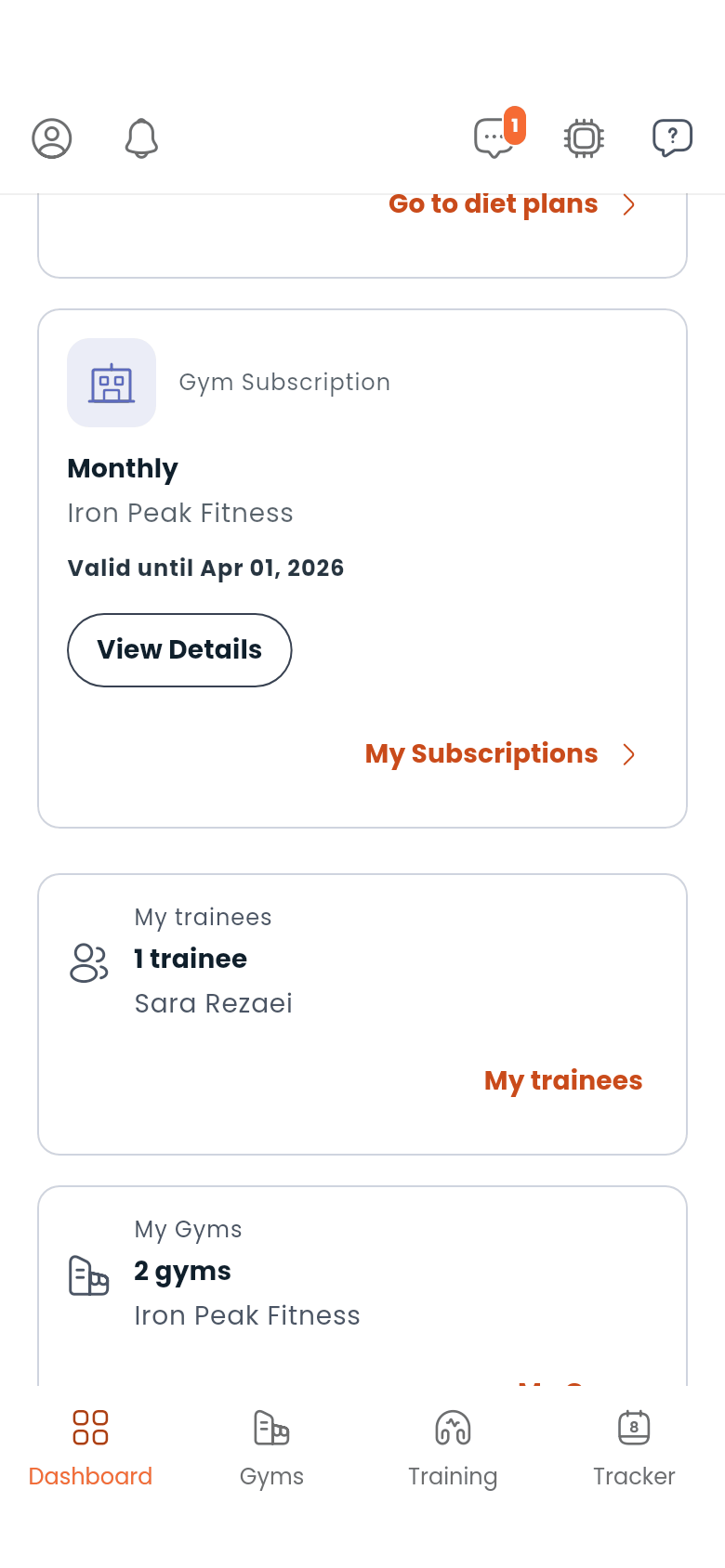
Given the room, the cards lay out in columns rather than one long stack, and the four tabs move to a rail down the side. See Using Dambel on a computer.
Open the Dashboard for the shape of your day, then go to the Tracker to log it. Your history builds up over time.