
Loading…
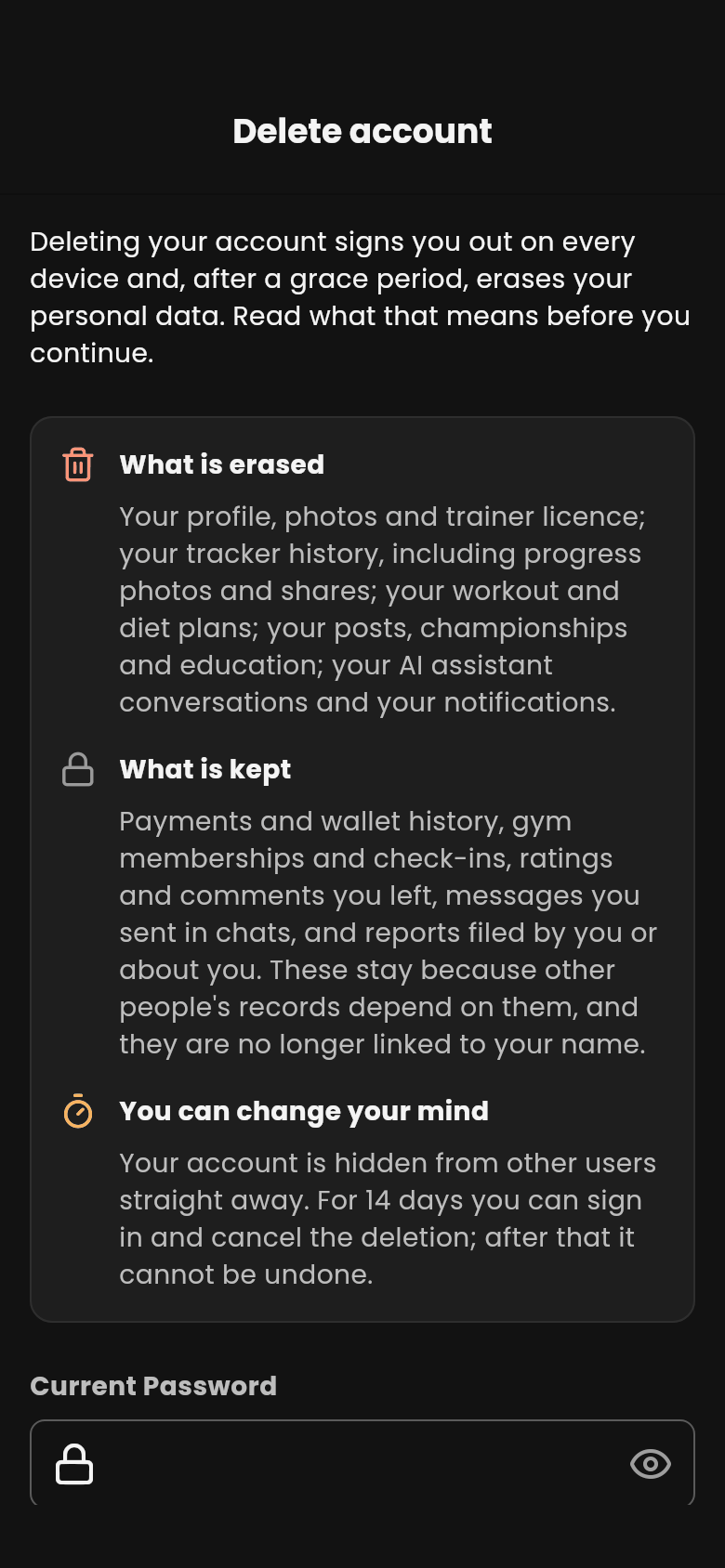
Deleting your account signs you out on every device, hides your account from other people straight away, and (once a grace period has passed) erases your personal data for good. Nothing is erased on the day you ask: for 14 days you can change your mind.
If what you want is a break, you do not need to delete anything. Sign out, or turn notifications off in Settings.
When the grace period ends, Dambel erases:
Some records are kept because other people's records depend on them. They are no longer linked to your name:
The confirmation's highlighted button is Keep account, so a hurried tap never deletes anything. Once you confirm, every device signed in to your account is signed out, and the sign-in screen tells you the date the deletion will happen.
Until the date on the sign-in screen, your account still exists. Sign in with your mobile number and password as usual and choose Cancel deletion: your account and everything in it is back as it was.
After that date the deletion cannot be undone, and your mobile number becomes free to register a new account.
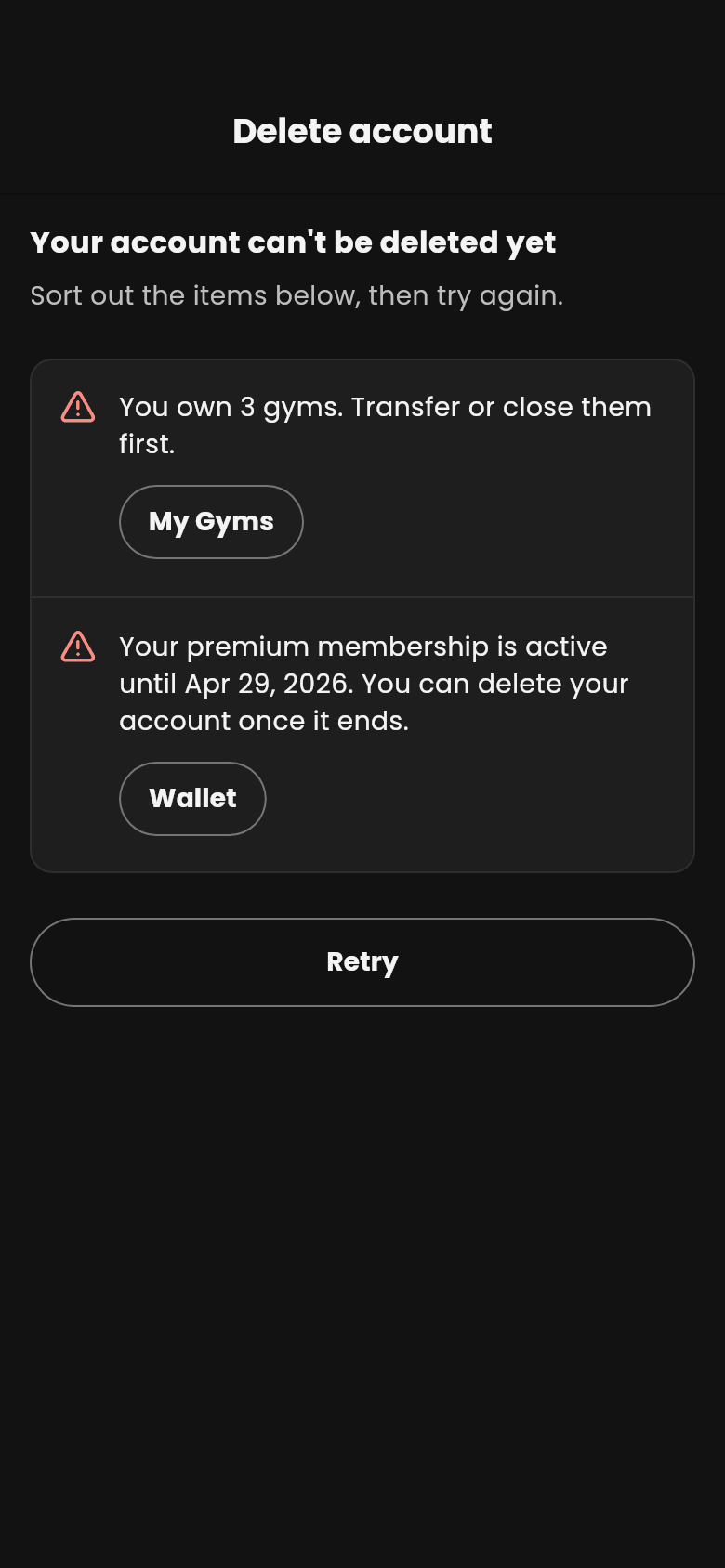
Some things have to be settled first. Dambel tells you which, and you cannot delete your account while you:
Each item on that list has a button to the place where you can sort it out: your gyms, your wallet or your services. Sort these out and try again.
If one of these comes up after your deletion is already scheduled, Dambel sends you a notification. Opening it shows the same list on the delete-account page, above Cancel deletion.
Next: Learn about the dashboard or go back to the docs index