
Loading…
Settings is reached from your photo in the top bar. Its rows sit in three groups — App, Account and About Dambel.
Dambel has a light and a dark look. By default it follows your device: when your phone or computer switches to dark mode, Dambel switches with it.
To choose for yourself:
The change is instant and the choice is remembered on this device.
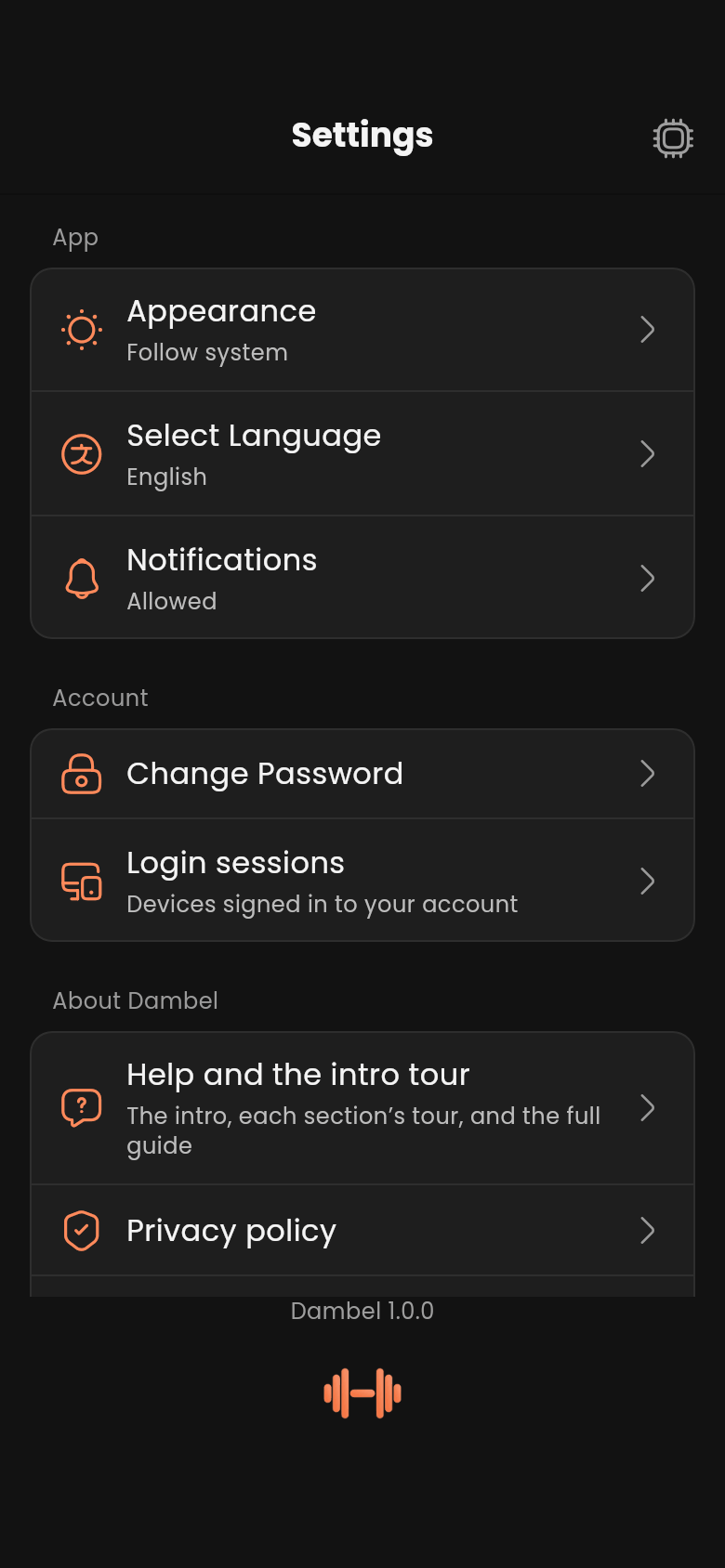
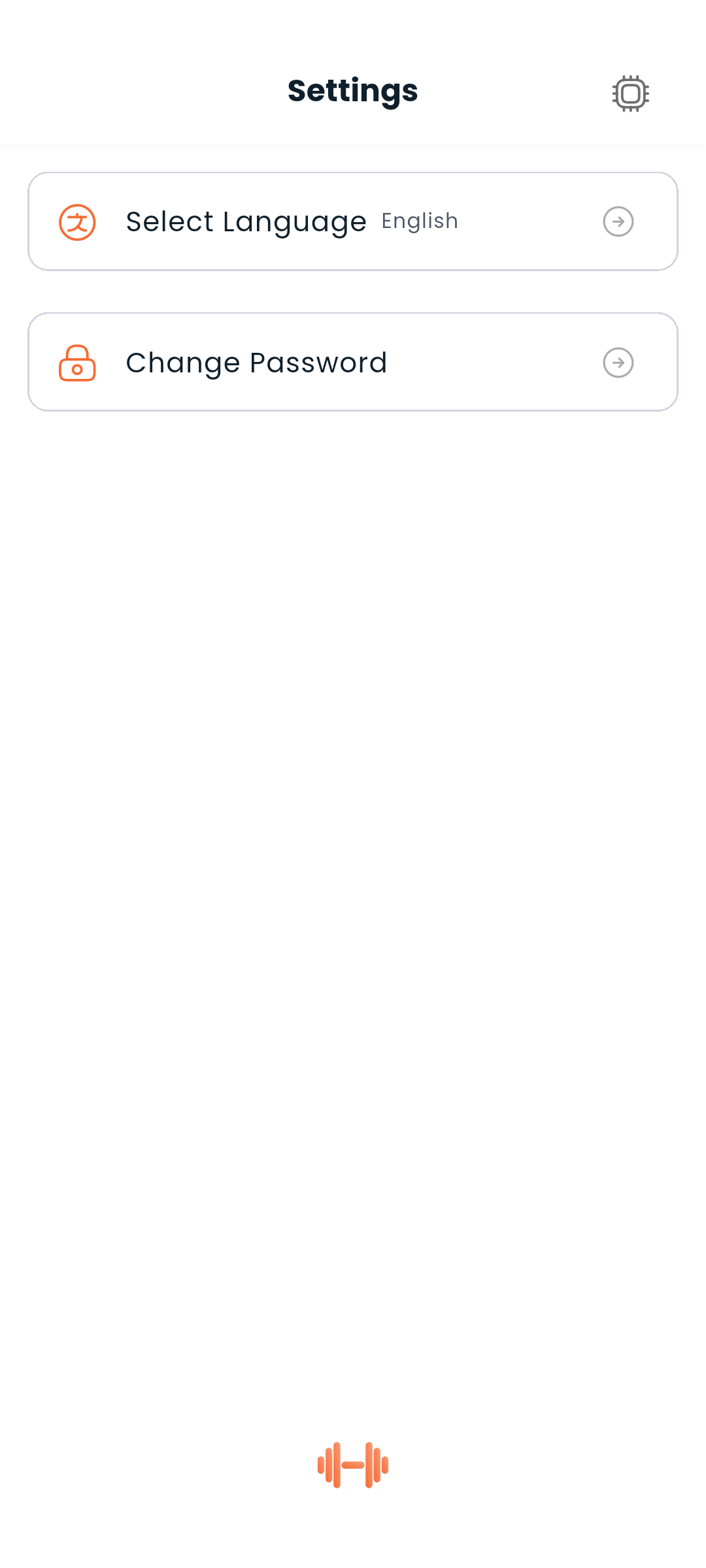
Dambel supports English and Persian (فارسی). Switch languages anytime — the change is instant and the layout adjusts automatically (LTR for English, RTL for Persian).
To switch:
Your choice is saved and applied on every launch.
The Notifications row says whether Dambel is allowed to notify you: allowed, not allowed, or blocked. If you said "not now" when your phone first asked, tap it to be asked again; if you blocked notifications outright, it takes you to your device's settings, which is the only place that can undo it.
Enter your current password and the new one twice. The new password must be at least 8 characters. You stay signed in on this device; other devices are unaffected — sign them out from Login sessions if that's what you're after.
Login sessions lists every device currently signed in to your account and lets you sign any of them out — see Login sessions.
If you have told the assistant to always allow an action, an AI assistant permissions row appears here showing how many actions you have approved that way. It carries an Ask again button — the row is not a page to open, it is a thing to undo — and pressing it makes the assistant ask for your approval again before every action. The row is hidden while you have not always-allowed anything.
Help and the intro tour is where you see the introduction again. It offers three things:
All of it is remembered on this device only, which is why it lives here rather than on your account.
Four rows that open the matching page on dambel.io, in the language you are reading the app in. Support is where to write to us with a question or a problem.
Below the last group you'll find the version of Dambel you are running — worth quoting if you ever report a problem — and the Dambel logo, which opens dambel.io.
Logout is not in Settings. It is in the menu behind your photo in the top bar, deliberately apart from the rows you come here to change. See Authentication.
Next: Learn about the AI assistant or go back to the docs index