
Loading…
Your wallet balance is what you use to pay for gym memberships, trainer services, and premium features.
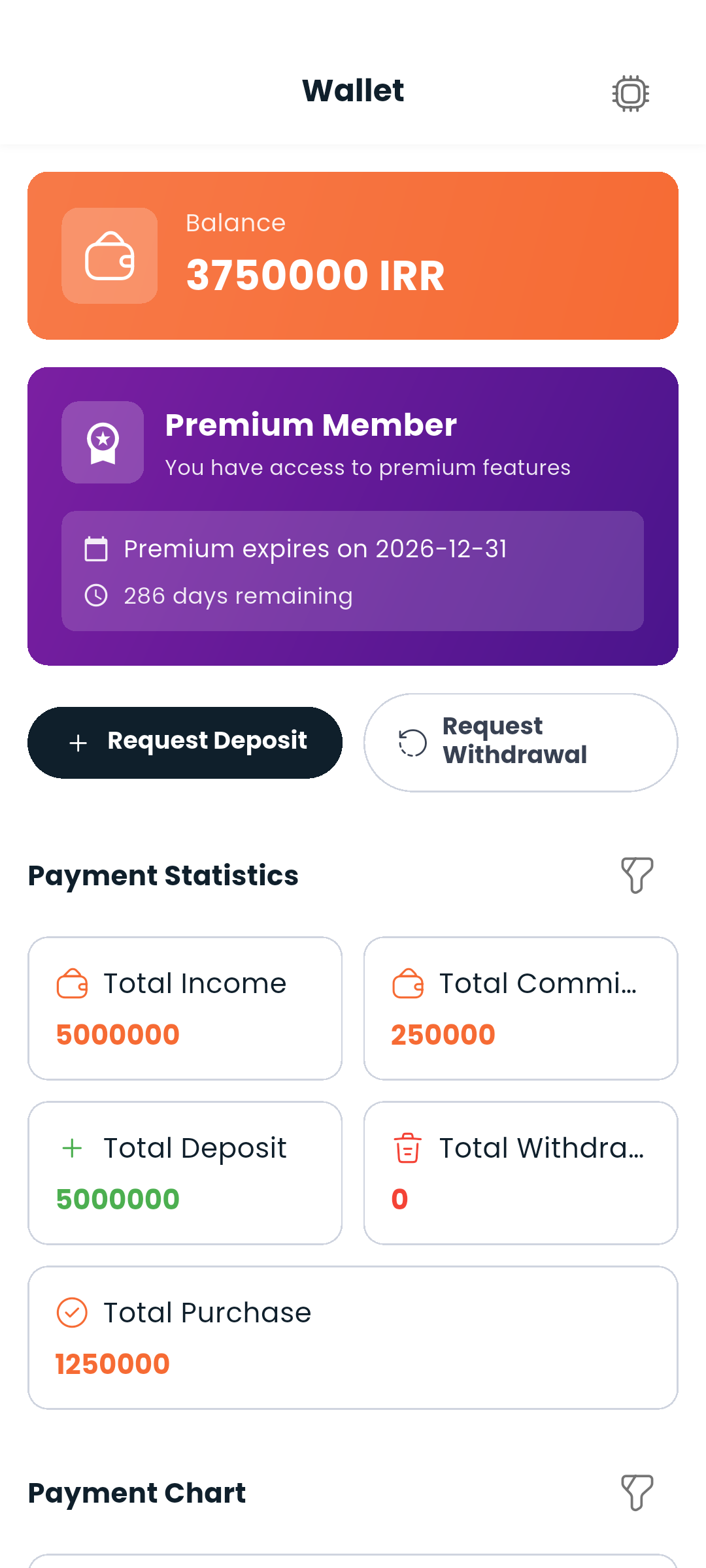
The current balance is displayed at the top of the wallet screen and also on your Dashboard. Every figure in Dambel (balances, prices, commissions) is in تومان.
Request deposit opens the amount box and then your bank's payment page. The smallest deposit Dambel accepts is 10,000 تومان; the box says so rather than letting a smaller one fail at the gateway.
A deposit is only credited once the gateway confirms it, which is not instantaneous. Until then the wallet carries a deposit awaiting confirmation banner with the amount, a Check status button and a way back to the payment page, so a payment you completed but never saw land is visible rather than lost. The banner clears itself once the money arrives.
If a purchase costs more than you have, Dambel says how much is missing and offers to top up rather than simply refusing.
Premium is bought here, for 1, 3, 6 or 12 months, paid from your balance. What it unlocks, and what happens when it lapses, is on Premium, Boost and money.
Below your balance, you'll find a full list of transactions:
Each transaction shows the amount, its type, and the date and time it happened. Tap a row to open its details, including the reference number to quote if you ever need to ask about it.
A chart above the list shows the same activity over time, and moves with the filters below.
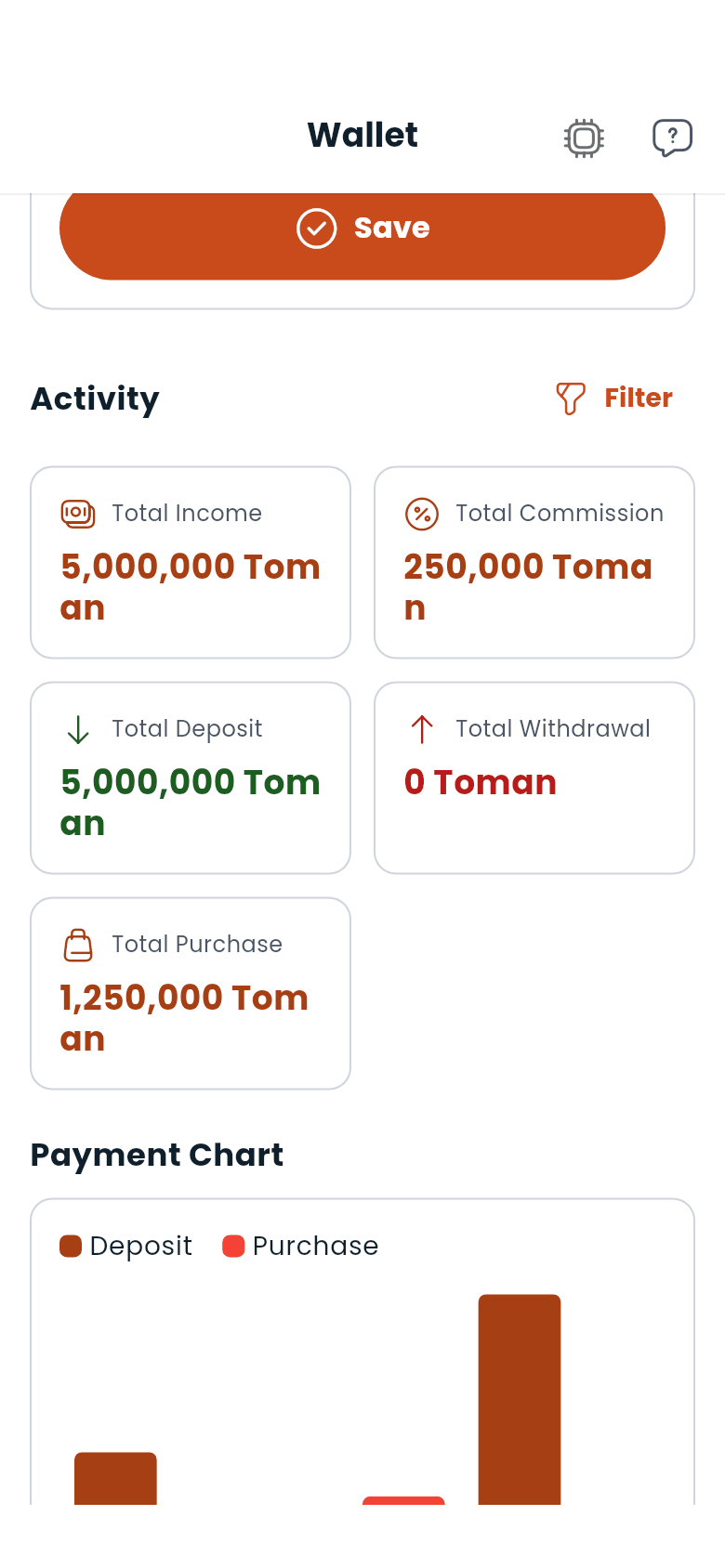
Tap Filter above the activity section to narrow everything below it (the totals, the chart and the history) at once. You can filter by transaction type, by a date range (the last week, month or three months, or dates you pick yourself), by whether the transaction has completed, and by order.
On the wallet screen you can save a bank account number (IBAN). This is the account your withdrawal requests are paid out to, so double-check that it's correct before saving. You can update it at any time: just edit the field and tap Save.
Request Withdrawal needs that account on file first: without one, the wallet says so and takes you straight to the field. With one saved, the withdrawal box shows how much is available and will not accept more than your balance.
When you subscribe to a gym or purchase a trainer service, the amount is automatically deducted from your wallet. If your balance is too low, you'll be prompted to top up.
Inviting people does not pay into your wallet: the reward is Premium time. Every 5 points earns you 7 days of Premium, free. Your link, and how many people have taken it up, are behind your photo in the top bar under Invite friends. See Premium, Boost and money.